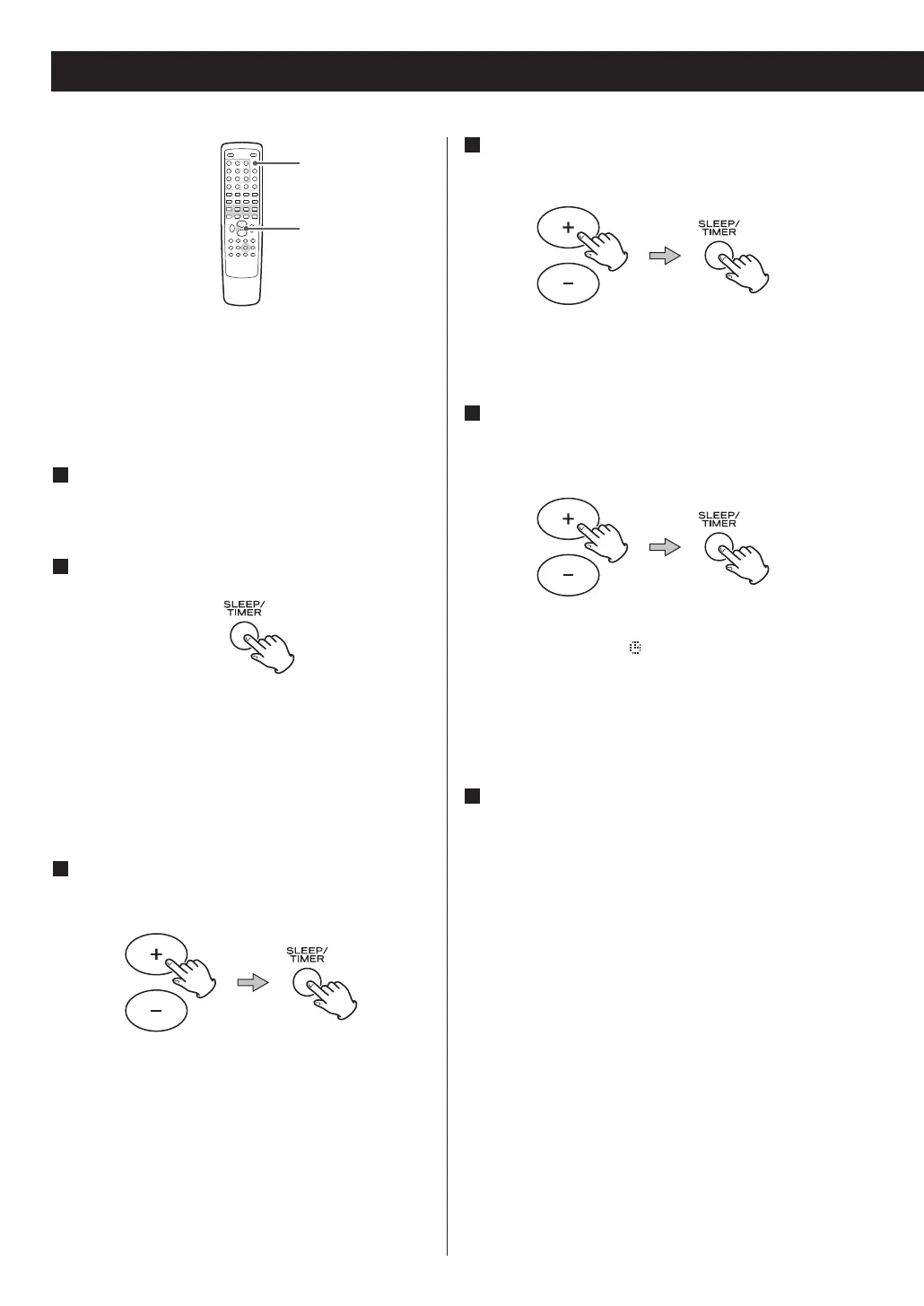
< The unit can be programmed to turn on at a
specified time.
<
Adjust the clock before setting the timer.
1
If the unit is on, press the STANDBY/ON switch
to turn it standby
2
Press the TIMER button.
‘Timer Set’ appears on the display, and the ‘hour’
value starts blinking.
< When no button is pressed for 10 seconds, the
timer setting mode will be cancelled.
3
Press the VOLUME button to set the start time
(hour), and then press the TIMER button.
The ‘minutes’ value starts blinking.
4
Press the VOLUME button to set the start time
(minute), and then press the TIMER button.
‘ON’ or ‘OFF’ starts blinking.
5
Press the VOLUME button to turn ON or OFF
the timer function, and then press the TIMER
button.
Select ON to turn the timer function on.
The Timer indicator ‘ ’ appears on the display.
When you don’t use the timer, select OFF. (The
Timer indicator disappears from the display.)
6
Turn the unit on and prepare the source.
To play a disc, select ‘DISC’ using the FUNCTION
button and set a disc.
To play a USB memory device, select ‘USB’ using
the FUNCTION button and set a USB memory
device.
To listen to the radio, select ‘FM’ or ‘DAB’ using the
FUNCTION button and tune in a station.
54



 To Next Page