1
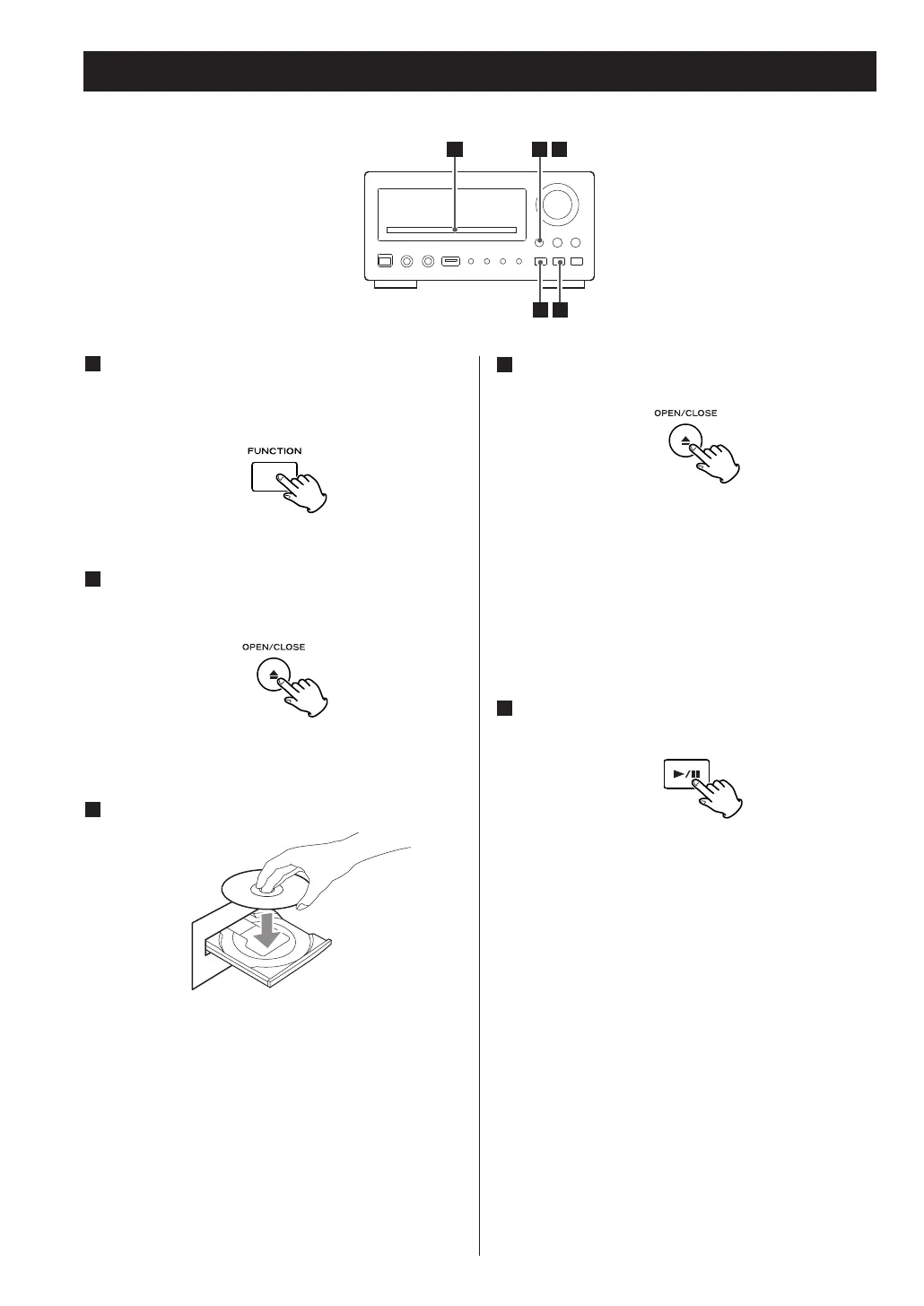
Press the FUNCTION button to select ‘DISC’.
<
When no disc is loaded in the CD player, ‘NO DISC’
is displayed.
2
Press the OPEN/CLOSE button (L) to open the
tray.
3
Insert the disc label side up.
<
In the case of double-sided discs, the side to be
played should be face down.
< Make sure the disc is centered in the tray in order
to avoid any malfunction or jamming of the tray or
damage to the disc.
4
Press the OPEN/CLOSE button (L) again to
close the tray.
The tray will close. Take care that you don’t catch
your fingers in the tray.
The unit reads the disc (this may take a little time).
Some discs may automatically start playback.
5
Press the PLAY button to start playback if
playback has not started automatically.
If a menu is shown on screen (some DVD or video
discs may show such a menu), see ‘On-screen
menu’ on page 24-25.
23



 To Next Page