I Hardware Installation Manual 2. Safety Functions and Interface
23
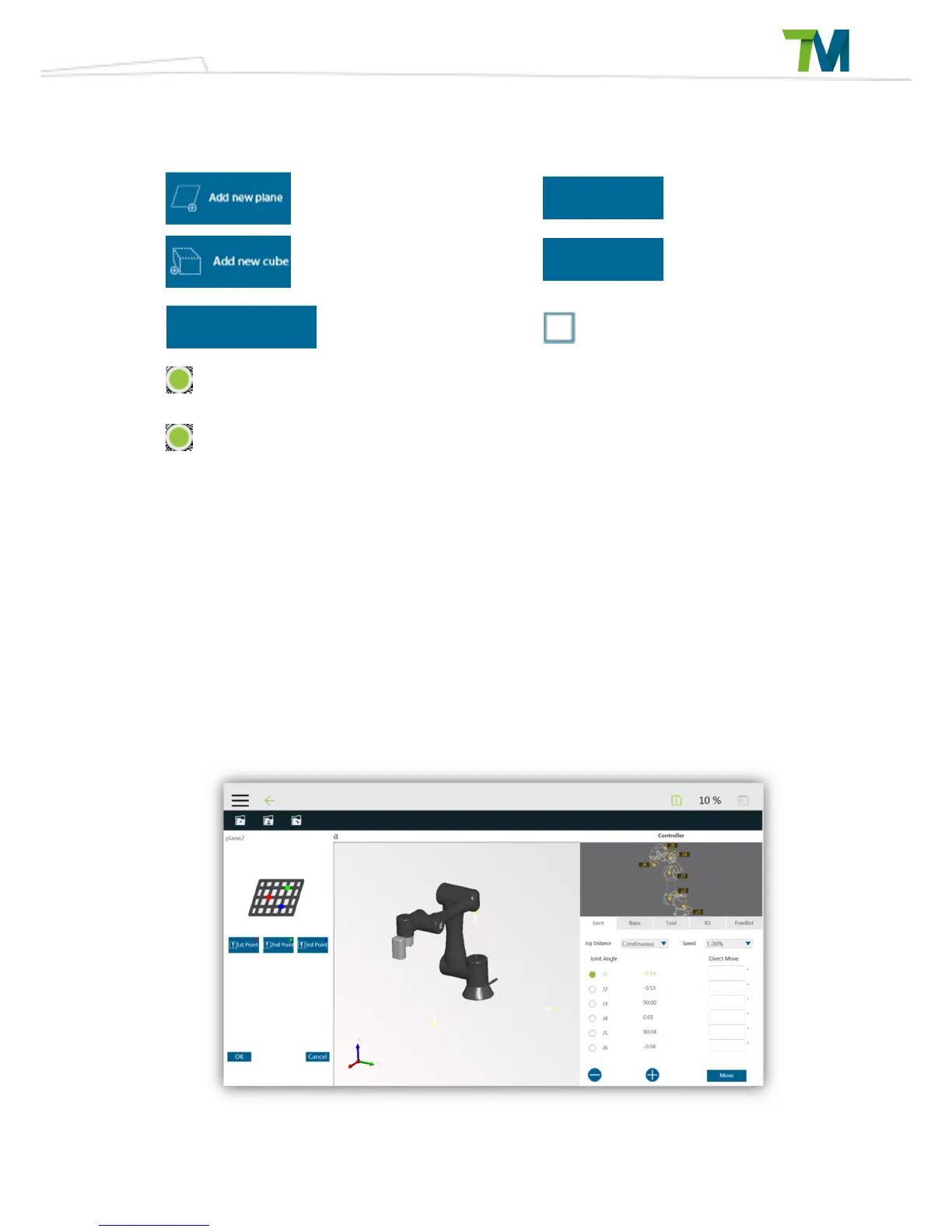
The collaborative space configuration functions are as shown below.
Add Plane
Delete Selected
Attribute
Add Cube Reset Attributes
Set Start Reduce
Distance
Reverse Stop Space
Switch to Safety Plane
Switch to Stop Plane
Previously defined attributes will be shown in the list. When the user selects a listed attribute, the
3D simulator in the middle will display the selected attribute in a transparent blue color. The user
can then delete or reset the selected attribute. The window for setting start reduce distance will
appear after the Start Reduce Distance setting button pressed, and the user can set the distance
for the collaboration area and stop space separately. The robot will start to reduce the motion
speed when moving in the start reduce zone, but the status of the indication light ring would not
be change.
Add/Edit Plane Tab:
Delete
Set Point
Plane chareacters



 To Next Page