I Hardware Installation Manual 2. Safety Functions and Interface
24
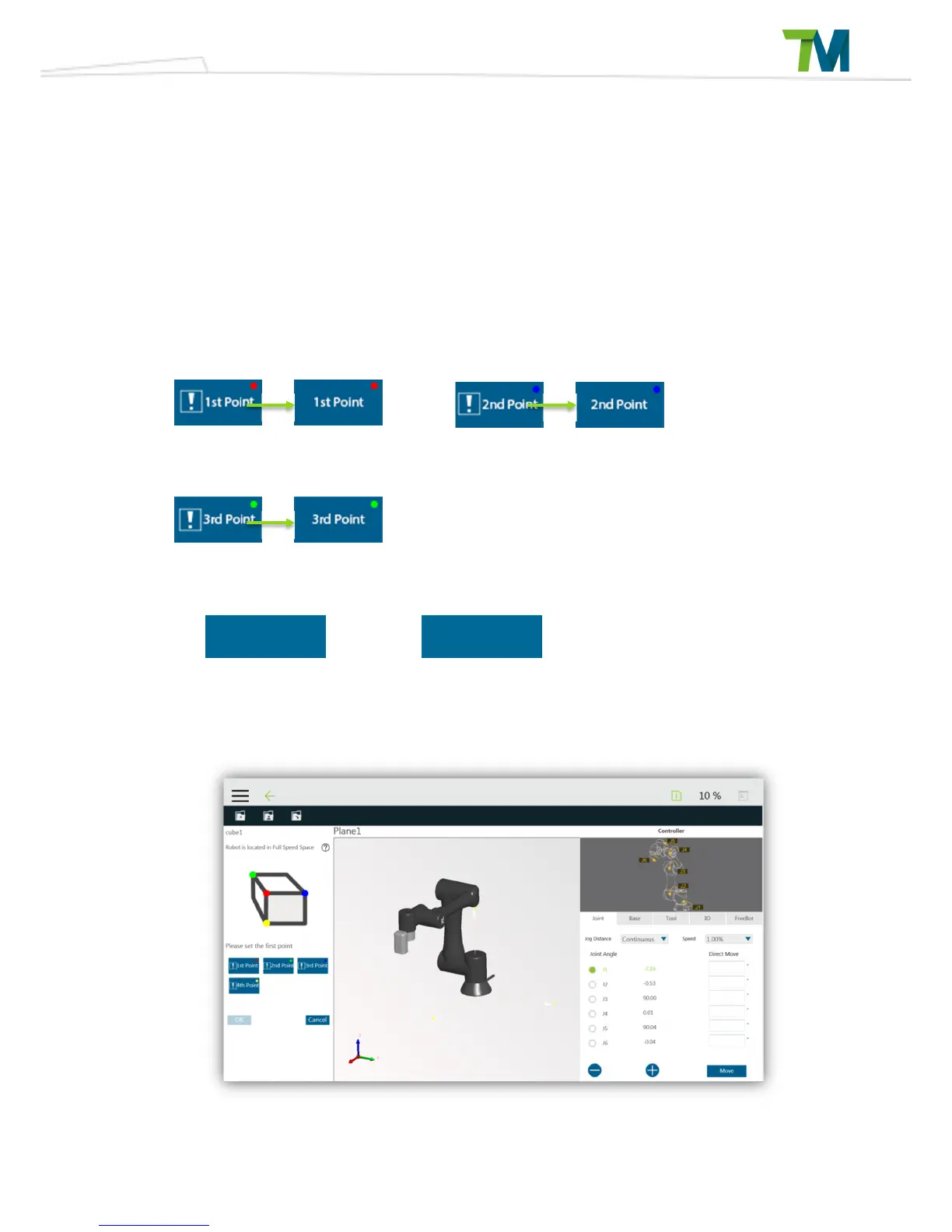
Press the Add Plane button or select a planar attribute then click on the Reset Attribute button to
enter the Add/Edit Plane page. In this page, the user can use TCP to define 3 points and create a
plane. The 3 points can be defined in any order and corresponding colored spheres will appear in
the 3D simulator. Once all 3 points have been set, then a transparent blue virtual plane will
appear. Now, click on the Confirm button to create the plane. Please note that the virtual plane
will not appear if there are common points or the points are collinear. In this case clicking on
Confirm will not create a plane.
The button functions are as shown below.
Add/Edit Cube Tab
Set the first point
Set the second point



 To Next Page