I Hardware Installation Manual 5. Electrical Interface
59
5.6.2 Robot Interface
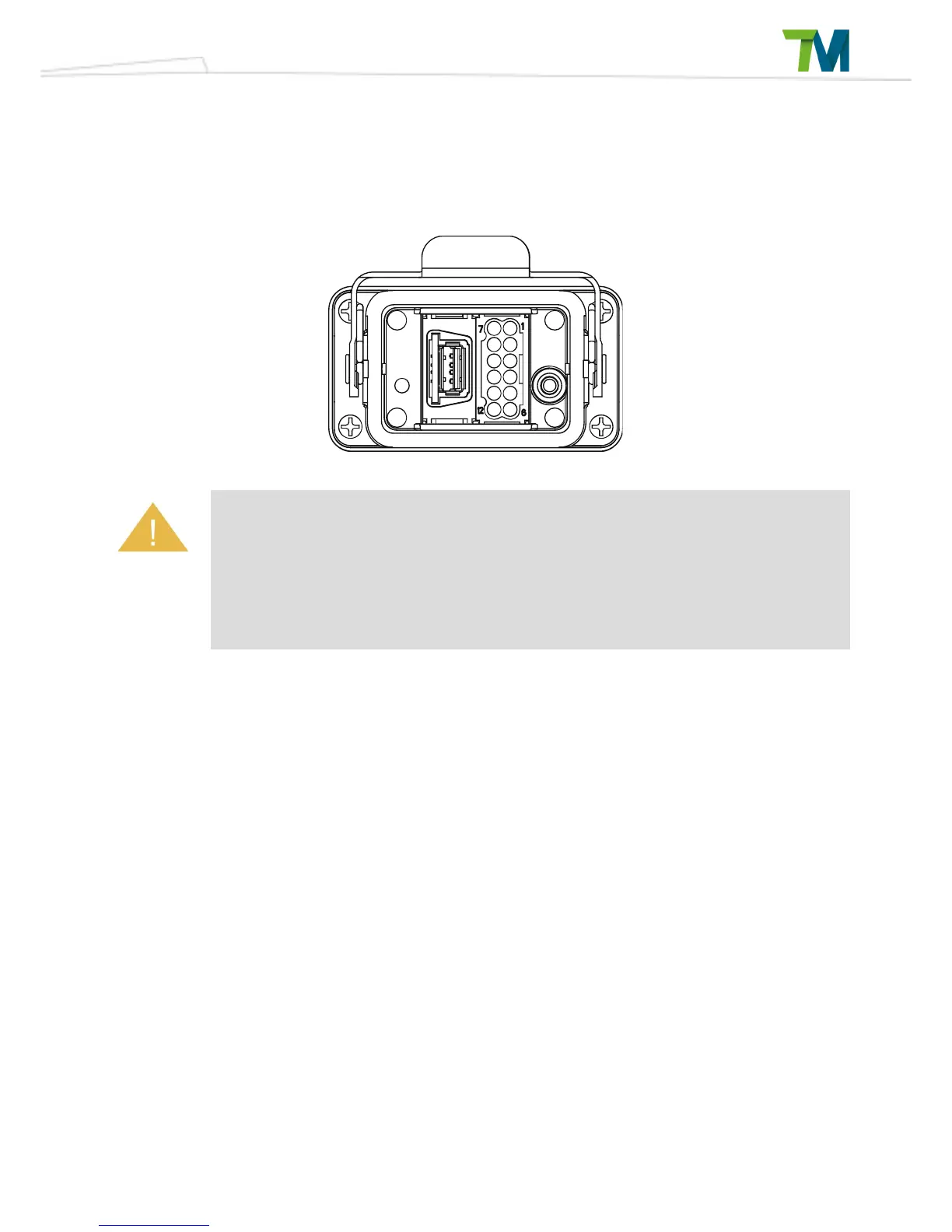
The following figure shows the connection interface of the robot. The cables of the robot are
connected to the control box through the interface.
1. When the robot is turned on, do not disconnect cables of the robot. When cables of
the robot are not connected to the connection interface, do not turn on the robot.
2. Do not extend or modify the original cables of the robot.
3. The cables of the robot are only suitable for fix installation. If you require a flexible
installation, please contact Techman Robot.



 To Next Page