I Hardware Installation Manual 2. Safety Functions and Interface
27
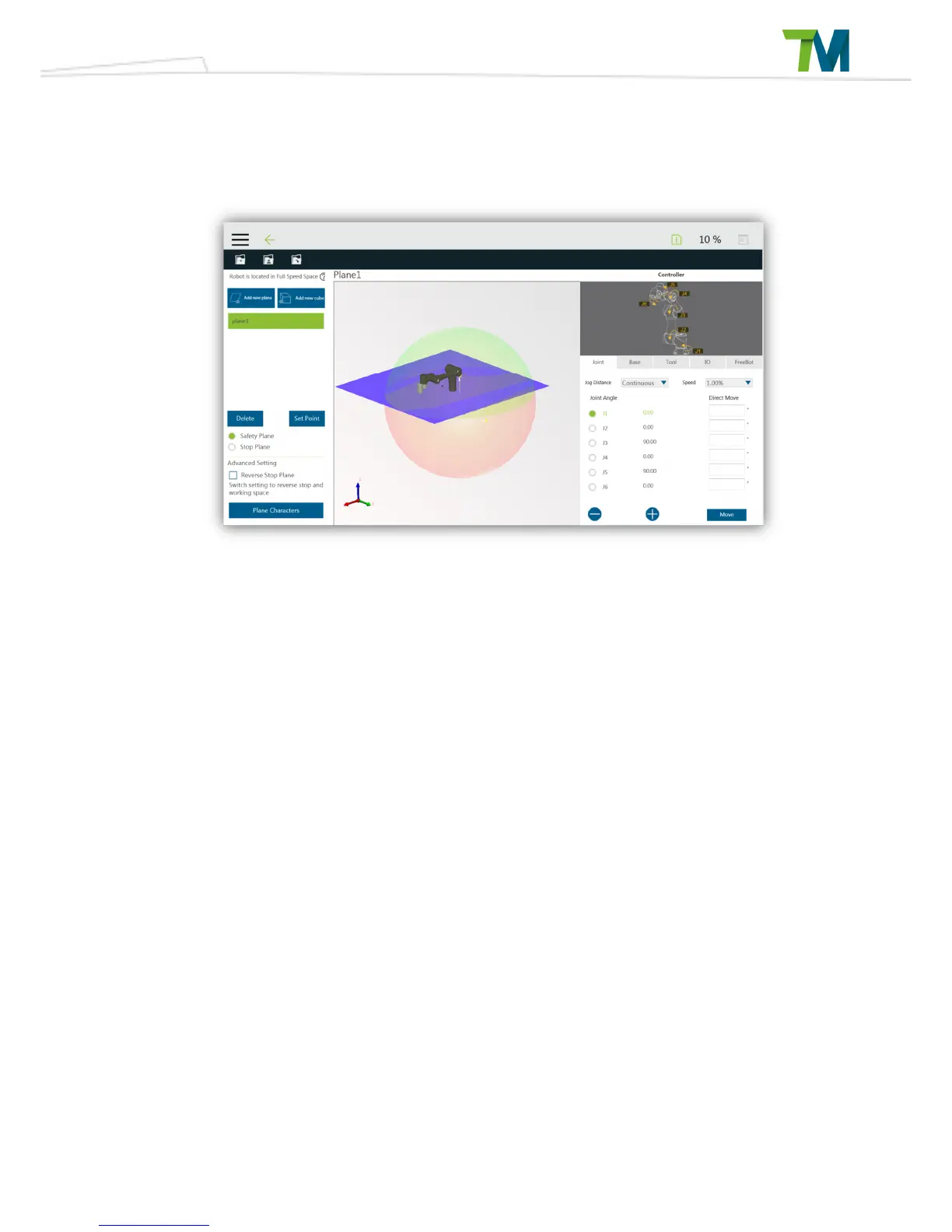
Click on the preview button. If the safety space needs to be modified, then click on the Edit button
below Step 2 and modify it in the setting page.
If the modification is complete, click on the Save button at the top to save and leave this page.
If you do not need to modify, you can click on the X button at the top right corner and return to the
settings page without save.



 To Next Page