I Hardware Installation Manual 2. Safety Functions and Interface
26
Intelligent Slowdown function can force the robot to slow down before exiting the full speed area to collaboration area.
The motion of TM ROBOT when applying Intelligent Slowdown is in accordance with the position of the start point and
the end point and the type of motion setting.
The Intelligent Slowdown function will be activated if the position of the TCP start point is in the
full speed area and the TCP end point is in the collaboration area. As a result, the Intelligent
Slowdown function will not be activated if the start point and the end point are both located in
the full speed area, even though the motion path passes through the collaboration area.
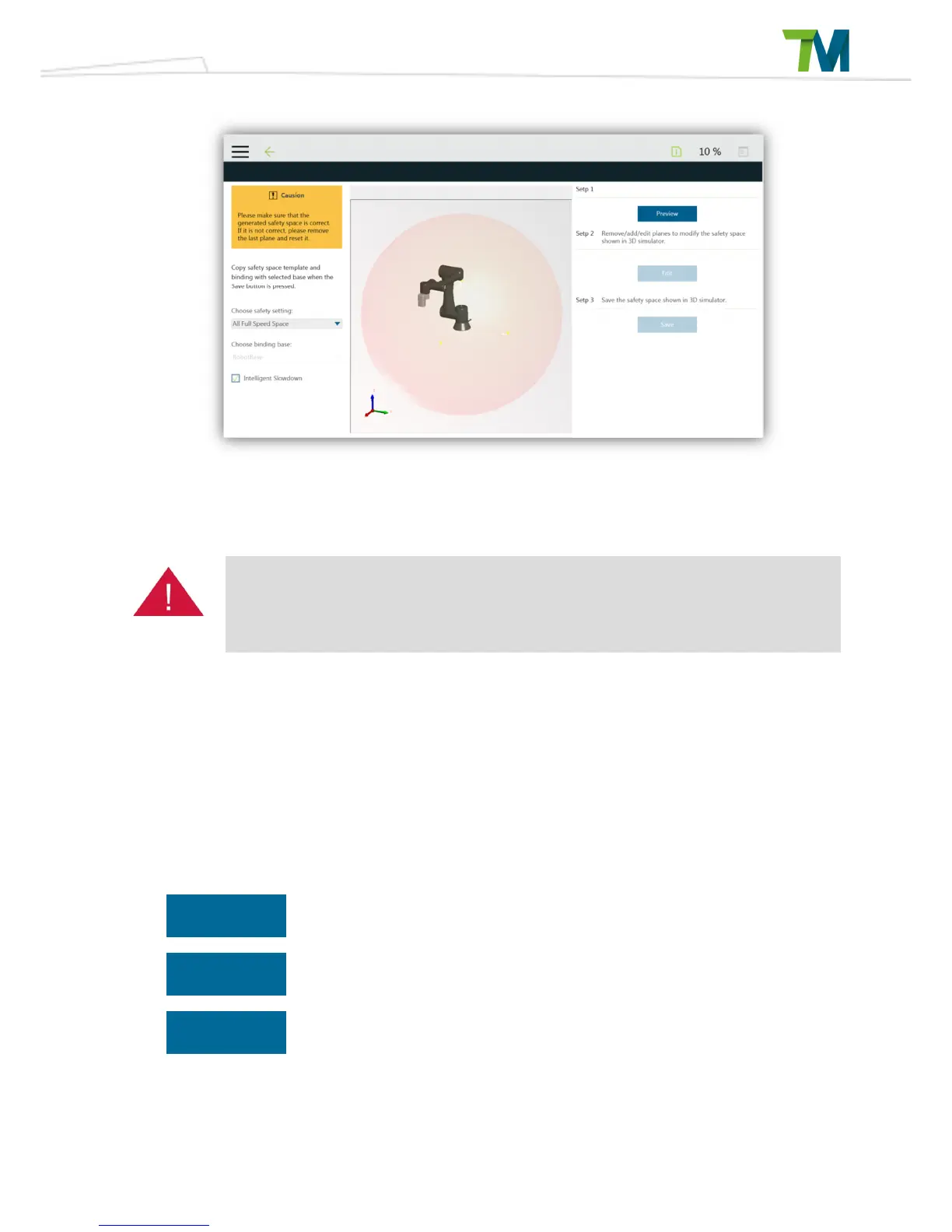
Please access the safety setting via the collapsible on the right side of the project page. When
preview button is pressed, the 3D simulator will show the bound safety space with the chosen
safety setting and binding base. Edit function allows the user to modify the safety space shown in
3D simulator. User should be responsible for his own safety and assure the result shown in 3D
figure is correct. For safety space not shown as expected, please delete the latest safety plane
and reset the safety space via edit function.



 To Next Page