MediaGateway User Manual
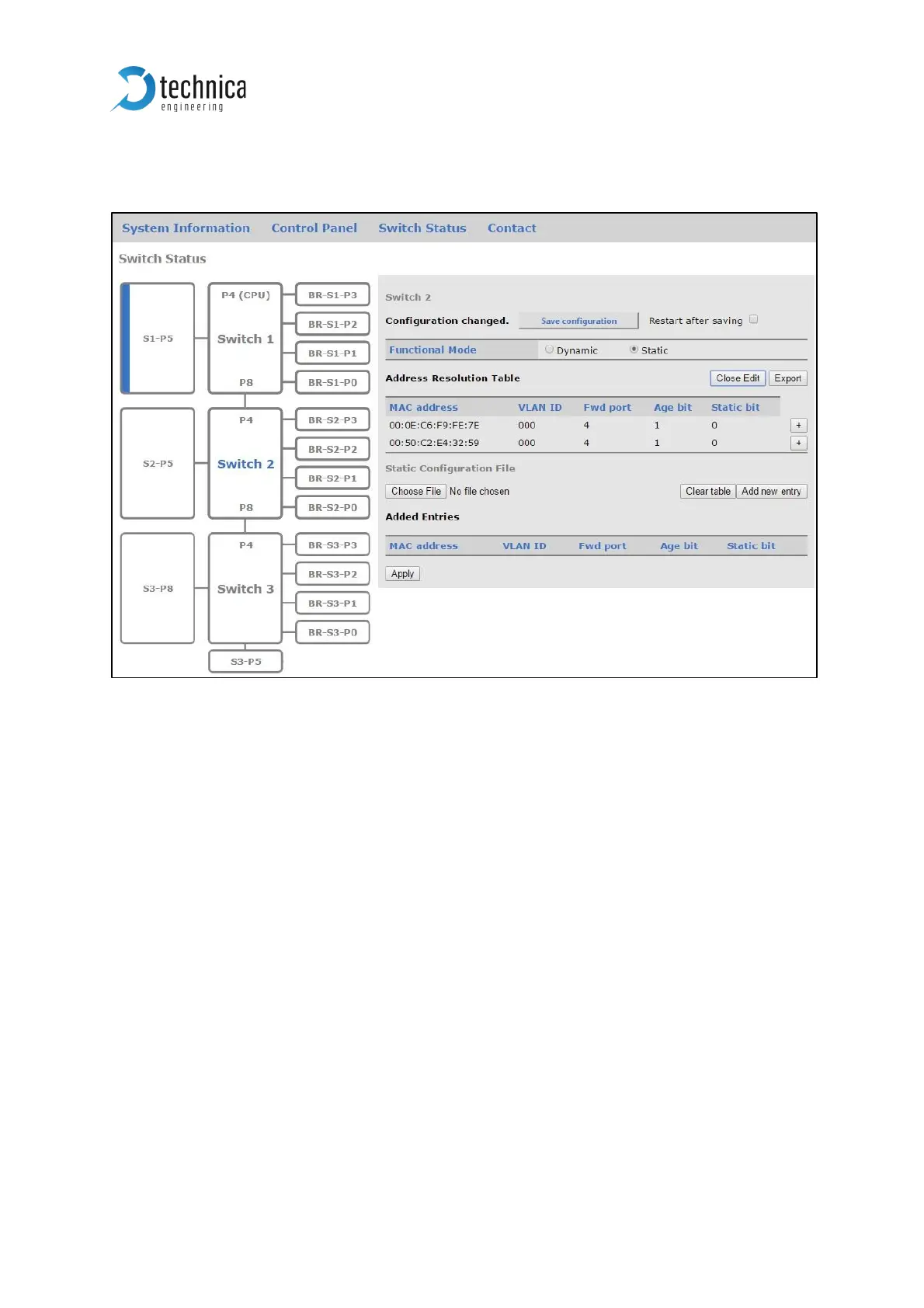
After selecting Edit Table the following configuration mask will appear.
Figure 3-12: Configuration overview for static ARL table
Close Edit: this button closes the mask again.
Export: the current configuration of the ARL table is exported to a *.json-file.
Choose File: the user can import a ARL-table-configuration file of type *.json. After the
import the changes must be applied by the button “Apply” and then must be saved by
the button “Save configuration”.



 To Next Page