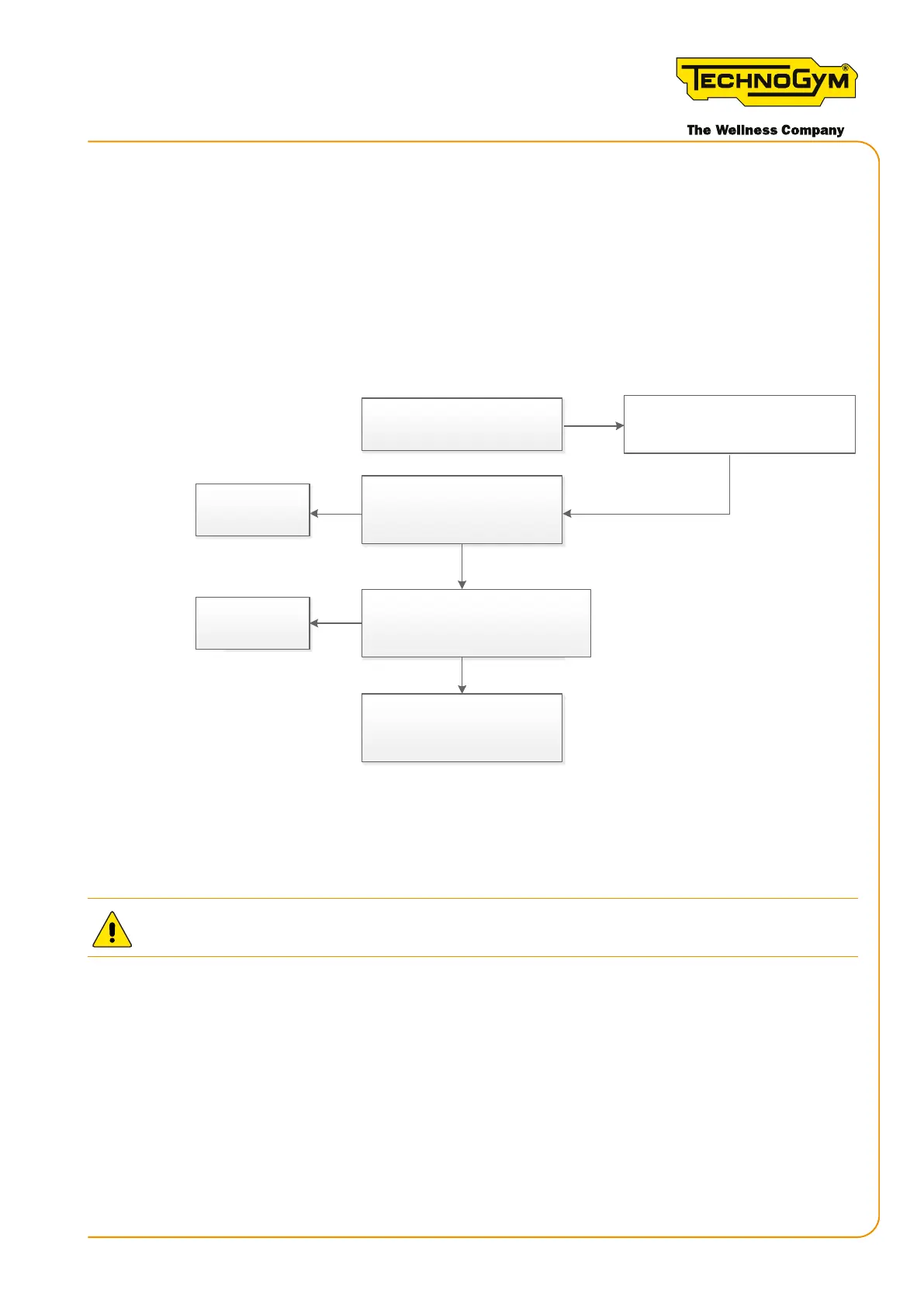
6.6.5 THE EFFORT LEVEL DOES NOT CHANGE ON THE DISPLAY
, use the
following troubleshooting procedure:
First, always upgrade the SW to the latest released version.
Rememberthat,fromtheSWversionSKILLMILLCONNECT:HighKit:BA01.49-wi-:CA01.16;
SKILLMILLCONSOLE: HighKit: BA01.49,afunction hasbeen addedat SW leveltoensure a
check of the correct calibration. For the details, refer to “6.7 Calibrating the brake table”.
OK. Problem solved.
Yes
OK. Problem solved.
Yes
No
Replace the Low Kit (*)
No
Replace the angle sensor board [1].
Problem solved?
Calibrate the brake table.
Problem solved?
The effort level does not change on
the display, but the real resistance
perceived by the user changes.
If the equipment SN is prior to DJK03D18001189,
DJK04D18000708, DJK13D18000313, DJK14D18000136,
loosen the sensor pin and then re�ghten it with the
torque specified in paragraph 7.8.2.
Figure 39
WARNING: CAREFULLY FOLLOW THE PROCEDURE DESCRIBED BELOW.
[1]: ASSEMBLING THE ANGLE SENSOR BOARD: carefully follow the procedure
explained in paragraph “7.14.2 assembling the angle sensor board”.
(*): for the details, see “6.1 Procedure for replacing components”, Low Kit section.
Skillmill:
Technical Service Guide - Rev. 3.5
Page 71email: support@technogym.com












 To Next Page