19
3. Operation & Setting
c.
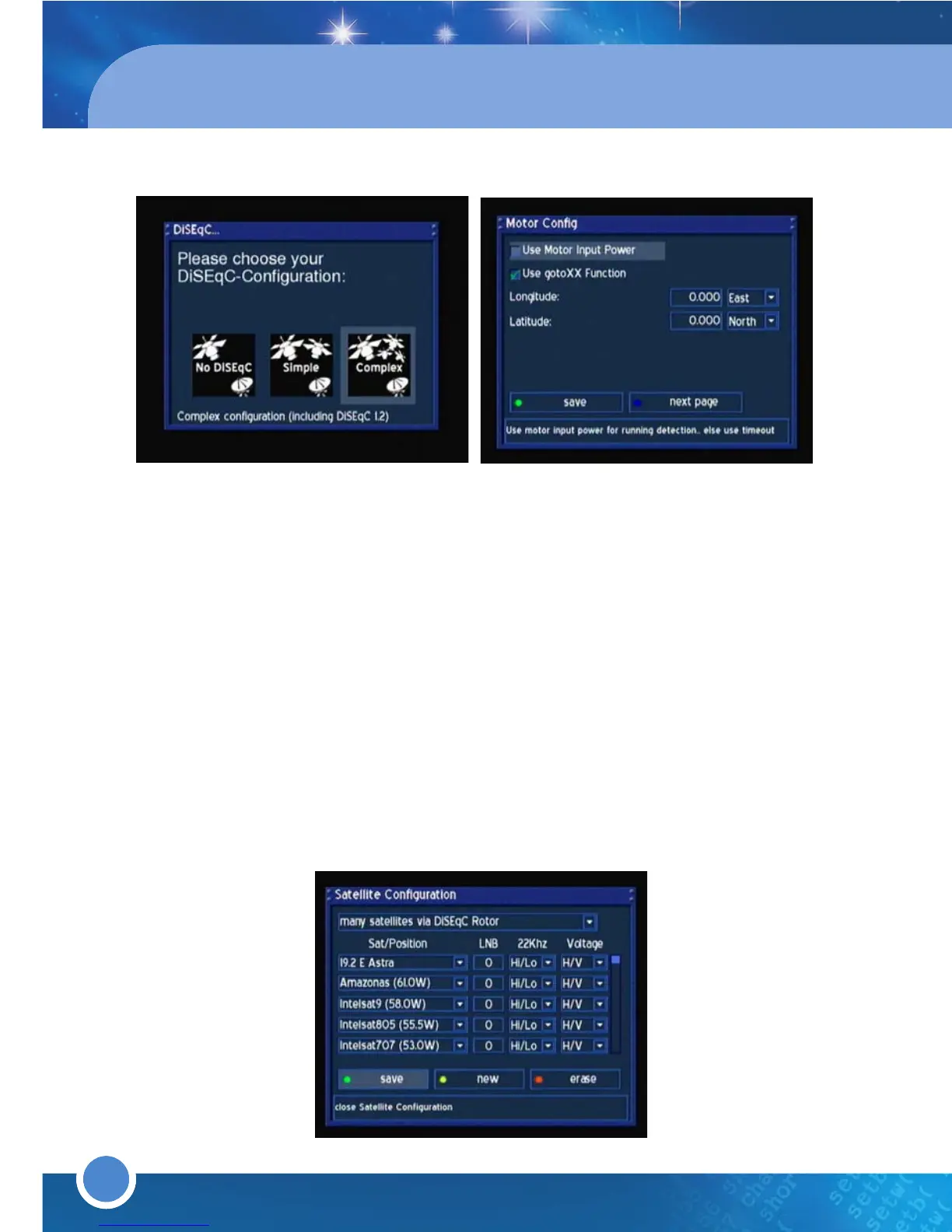
ii Complex (Motor Setup using DiSEqC 1.2)
1.Press the [GREEN] button or press [OK] on save to save
2.Exit all menus
3.Press the [MENU] button and go to - (6) Setup
(2) Satellite Installation & TP Edit
(3) Motor Setup)
4.Find a satellite using Move and Move fine. Once you have found a satellite press
the [GREEN] button or press [OK] on store to save. Repeat for all other satellites.
5.Press the [BLUE] button on the remote or go to Search and press [OK]
6.Select a satellite search method and press the [OK] button. Press [OK] on a satellite
in the dropdown list
7.Once a transponder is locked, press the [GREEN] button or press [OK] on search to
start scanning the satellite
8.Repeat for other satellites
5.
d. Non-standard user defined configuration
1.To adjust the LNB Settings, go to dropdown list at the top of the menu and press the [OK]
button. Select "non-standard user defined configuration"
2.Go to the dropdown lists of satellites and press the [OK] button in turn.
3.Select a satellite and press the [OK] button
4.Adjust the settings accordingly
5.Press the [GREEN] button or press [OK] on save to save
6.Select a satellite search method and press the [OK] button. Press [OK] on a satellite in
the dropdown list
7.Once a transponder is locked, press the [GREEN] button or press [OK] on search to
start scanning the satellite
8.Repeat for other satellites
5.
20



 To Next Page