© Technosoft 2007 56 IBL2403 Technical Reference
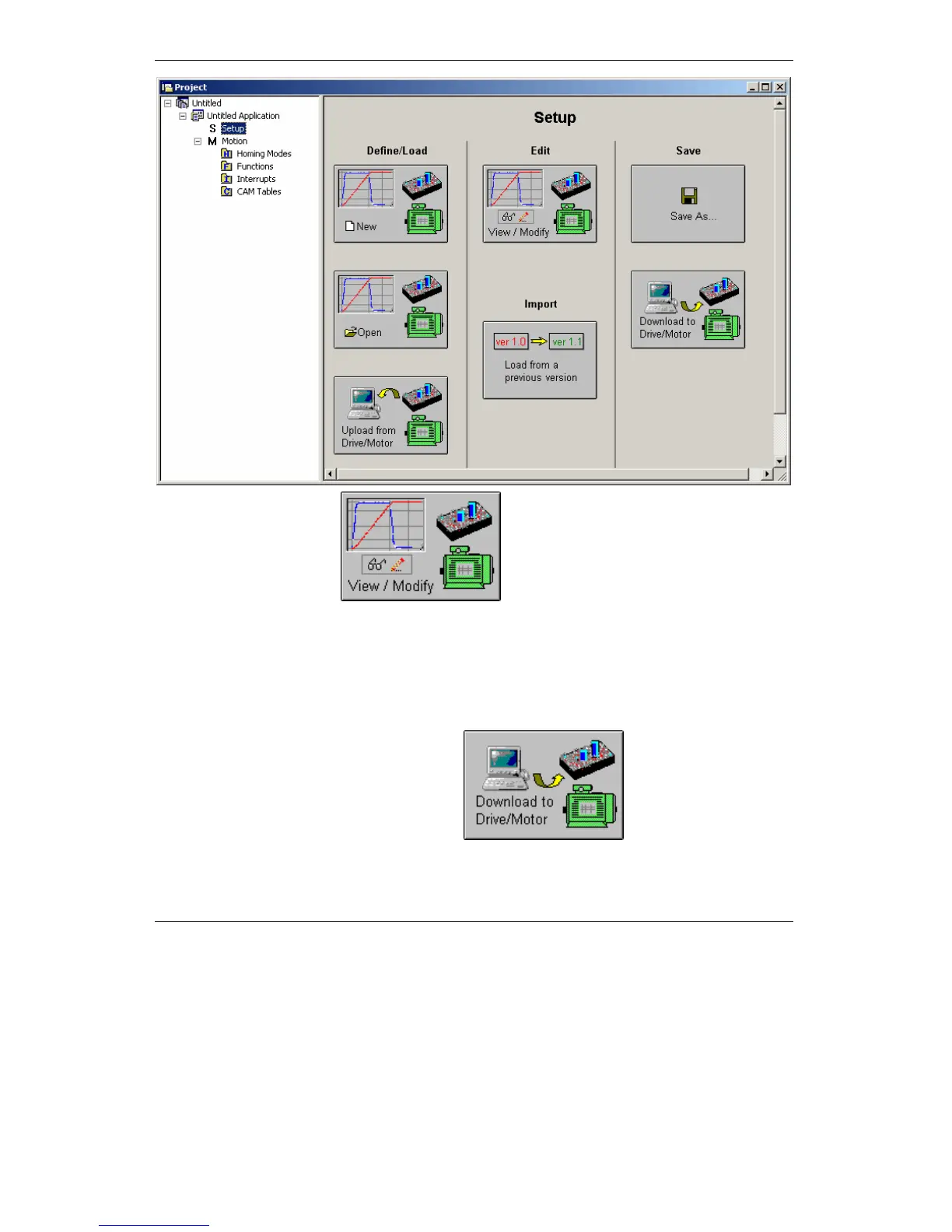
Press View/Modify button
. This opens 2 setup dialogues: for Motor
Setup and for Drive Setup (same like on EasySetUp) through which you can configure and
parameterize a Technosoft drive. In the Motor setup dialogue you can introduce the data of your
motor and the associated sensors. Data introduction is accompanied by a series of tests having
as goal to check the connections to the drive and/or to determine or validate a part of the motor
and sensors parameters. In the Drive setup dialogue you can configure and parameterize the
drive for your application. In each dialogue you will find a Guideline Assistant, which will guide
you through the whole process of introducing and/or checking your data.
Press the Download to Drive/Motor button
to download your setup
data in the drive/motor EEPROM memory in the setup table. From now on, at each power-on, the
setup data is copied into the drive/motor RAM memory which is used during runtime. It is also



 To Next Page