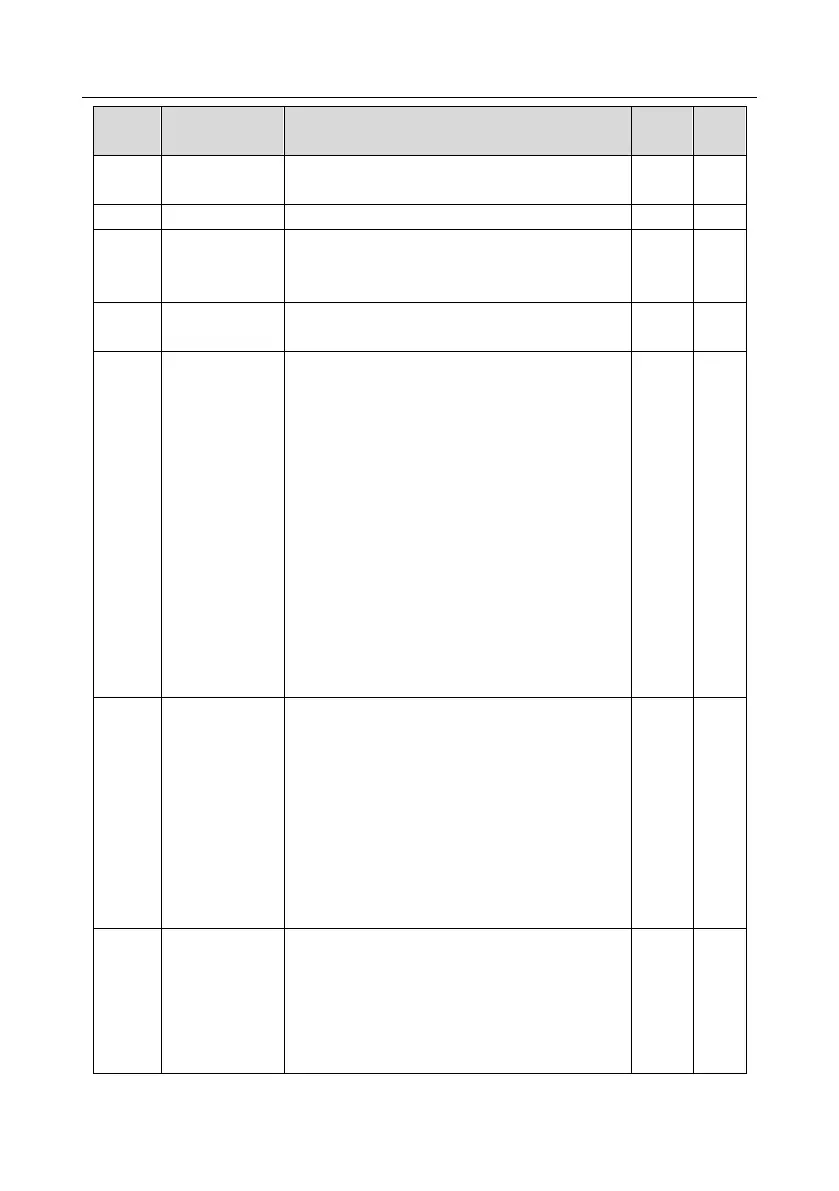
TD350 Series VFD Function parameter list
-138-
Detailed parameter description
rotation
switch-over mode
1: Switch over after starting frequency
2: Switch over after passing stop speed and delay
Stop speed
detection mode
0: Set value of speed (the only detection mode valid
in SVPWM mode)
1: Detection value of speed
Stop speed
detection time
Running
protection of
power-on
terminal
When the running command channel is controlled
by terminals, the system will detect running terminal
state automatically during power up.
0: Terminal running command is invalid during
power up. The VFD will not run during power up
even if the running command terminal is detected to
be valid, and the system is in running protection
state. The VFD will run only after this terminal is
cancelled and enabled again.
1: Terminal running command is valid during power
up. The system will start the VFD automatically
after initialization is done if the running command
terminal is detected to be valid during power up.
Note: This function must be set with caution,
otherwise, serious consequences may occur.
Action selection
when the running
frequency is
below lower limit
(lower limit
should be larger
than 0)
0x00-0x12
LED ones: Action selection when running frequency
is lower than lower frequency limit
0: Run at the lower-limit frequency
1: Stop
2: Sleep
LED tens: Stop mode selection
0: Coast to stop
1:Deceleration stop
Note: It is valid only when P00.05 is larger than 0.
This function code is used to set the sleep delay.
When the running frequency of VFD is below the
lower limit frequency, the VFD enters sleep state;
when the set frequency is above the lower limit
again and continues to be so after the time set by
P01.20 elapses, the VFD will run automatically.



 To Next Page