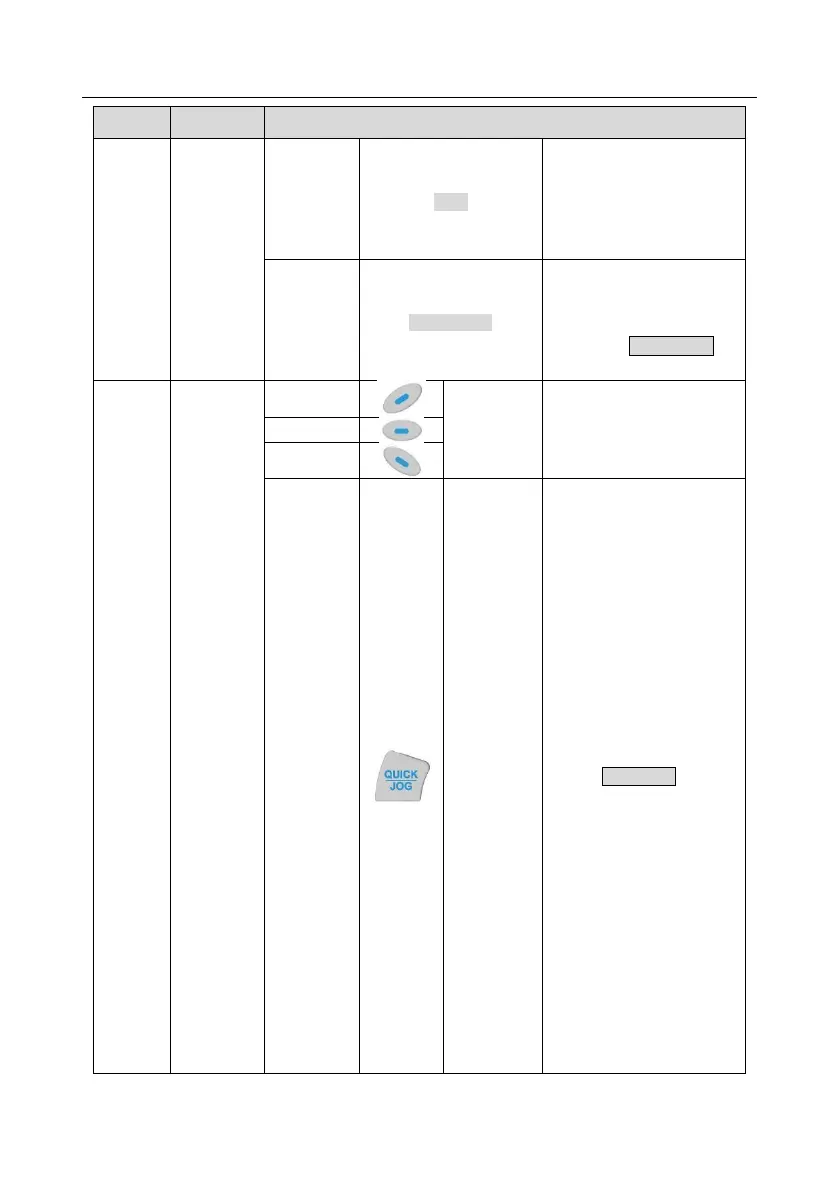
Short-cut key indicator, which
displays different state under
different functions, see
definition of QUICK/JOG key
for details
Re-definable. It is defined as
JOG function by default,
namely jogging. The function
of short-cut key can be set by
the ones of P07.12, as shown
below.
0: No function ;
1: Jogging (linkage indicator
(3); logic : NO);
2: Reserved;
3: FWD/REV switch-over
(linkage indicator (3); logic:
NC) ;
4: Clear UP/DOWN setting
(linkage indicator (3) logic:
NC) ;
5: Coast to stop (linkage
indicator (3); logic: NC) ;
6: Switching running
command reference mode in
order (linkage indicator (3);
logic: NC) ;
7: Reserved;
Note: After restoring to
default values, the default
function of short-cut key (7) is
1.



 To Next Page