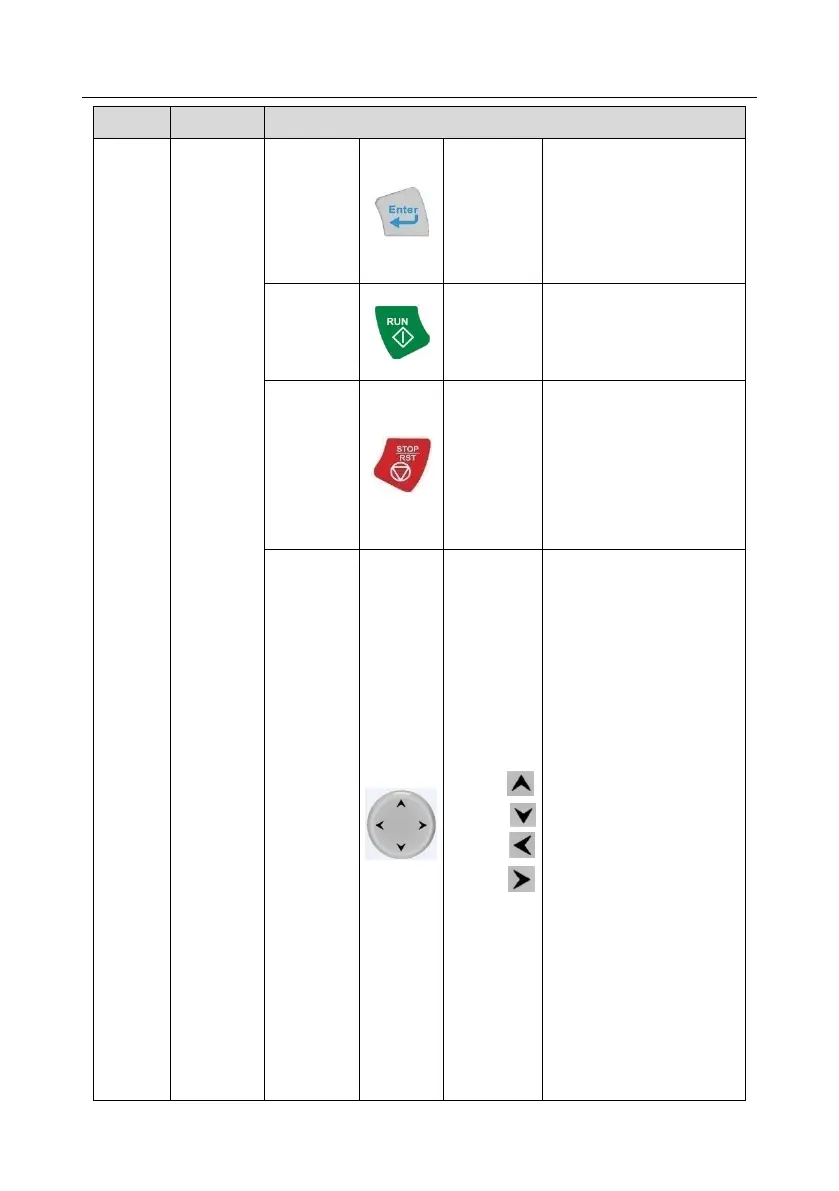
The function of confirmation
key varies with menus, e.g.
confirming parameter setting,
confirming parameter
selection, entering the next
menu, etc.
During running state, press
the Stop/Reset key can stop
running or autotuning; this
key is limited by P07.04.
During fault alarm state, all
the control modes can be
reset by this key.
UP: The function of UP key
varies with interfaces, e.g.
shifting up the displayed item,
shifting up the selected item,
changing digits, etc;
DOWN: The function of
DOWN key varies with
interfaces, e.g. shifting down
the displayed item, shifting
down the selected item,
changing digits, etc;
LEFT: The function of LEFT
key varies with interfaces,
e.g. switch over the
monitoring interface, e.g.
shifting the cursor leftward,
exiting current menu and
returning to previous menu,
etc;
RIGHT: The function of
RIGHT key varies with
interfaces, e.g. switch over
the monitoring interface,
shifting the cursor rightward,
enter the next menu etc.



 To Next Page