TECHNICAL AND MAINTENANCE MANUAL
Graph VENTILATOR
Review : 04
Date:
Procedure for Initial Calibration and Setup
Neumovent Graph Ventilator
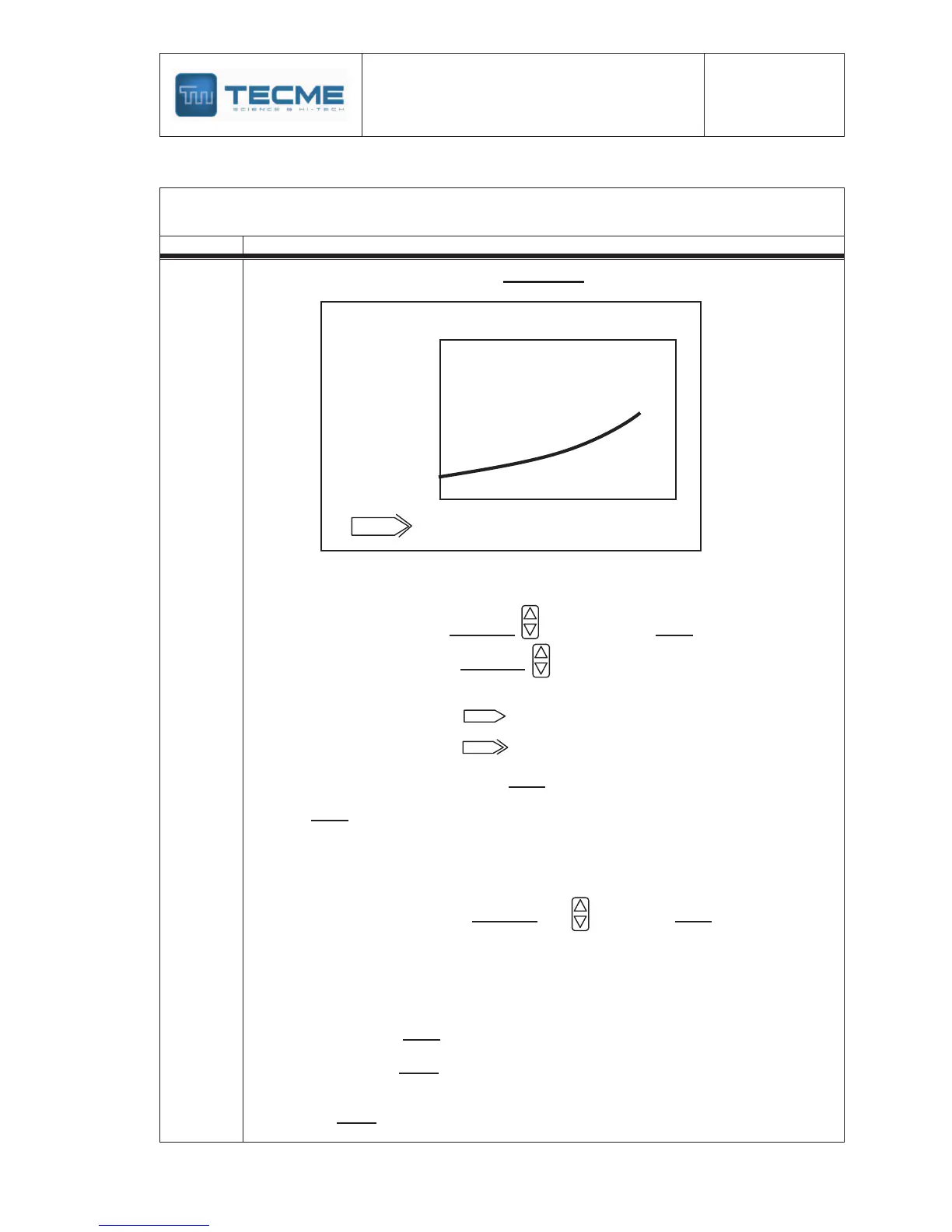
Connect the device outlet to a standard flowmeter Fig.:1-A (end of chapter ).
Connect the inlets of the gas supply to a compressed air supply source
Select the target value with “Selection” key and press “Enter”
pen and close the valve with “Selection” key
When the target value is taked press “Enter”.
Select a new target and repeat the operations a-b-c.
Press “Menú” and the next message will be displayed on the screen:
Select the desired option with the
“Selection” key and press “Enter”.
EXIT and the values was modified;
the next message will be displayed on
the screen
¿Exit without save changes?
Select the desired option
“Reset”to return to initial menu.


 To Next Page