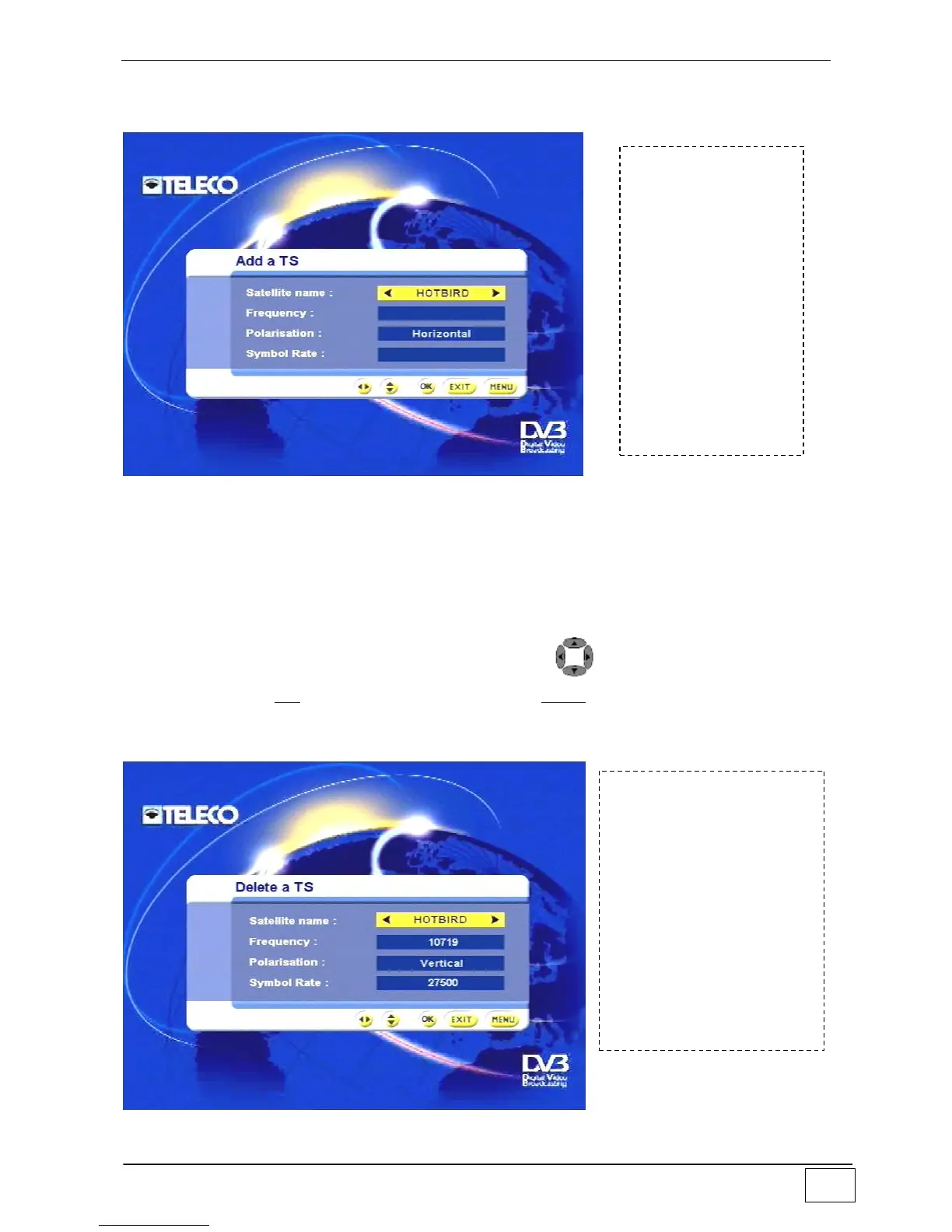
Adding a transponder
Use this sub-menu to add a transponder associated with the desired satellite.
Figure 21 - Adding a transponder
The available options are:
Name of satellite
Transponder frequency
Transponder polarisation
Transponder symbol rate
This information will be used to search for any new services available from the indicated
satellite. You can select each of these items via the and numerical keys, confirm
your choice via the OK key and exit this menu via the EXIT key.
Deleting a transponder
Use this sub-menu to delete a transponder associated with the desired satellite.
Figure 22 - Deleting a transponder
To reach this
screen page select
the following in
sequence:
- Main Menu
- Installing
- Antenna/satellite
configuration
- Configuring
satellites
- Adding a
transponder
To reach this screen
page select the
following in sequence:
- Main Menu
- Installing
- Antenna/satellite
configuration
- Configuring satellites
- Deleting a
transponder



 To Next Page