At this point your receiver has organised its internal memory ready for resetting of the
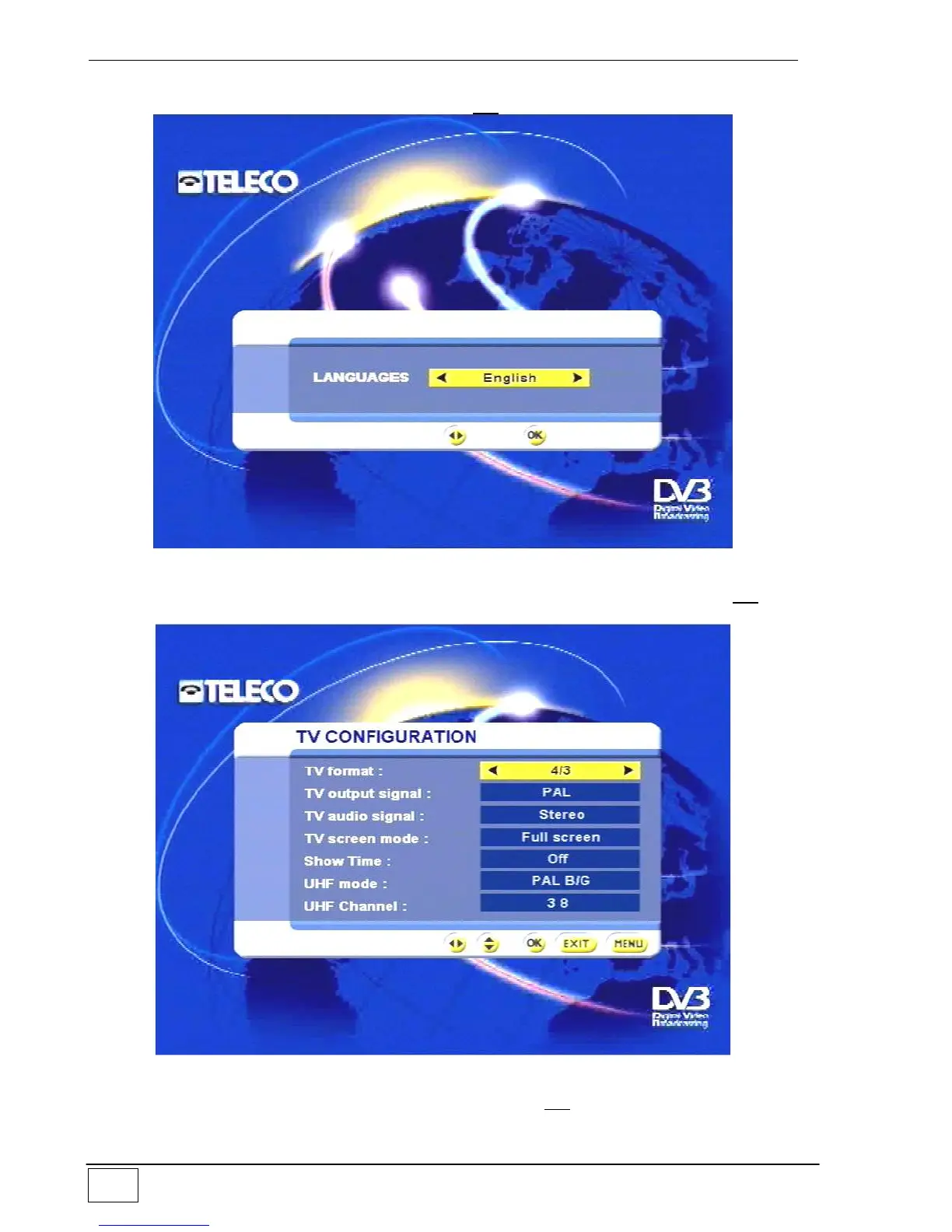
configuration and new services. Confirm with the OK key and the following appears:
Figure 45 - Setting the language during re-initialisation
Set the desired language with the right and left arrow keys, then confirm with the OK key.
Then set the type of TV set connection:
Figure 46 – TV Configuration
Once this task has been completed confirm with the OK key. The subsequent task
consists of setting the type of converter connected to your receiver:



 To Next Page