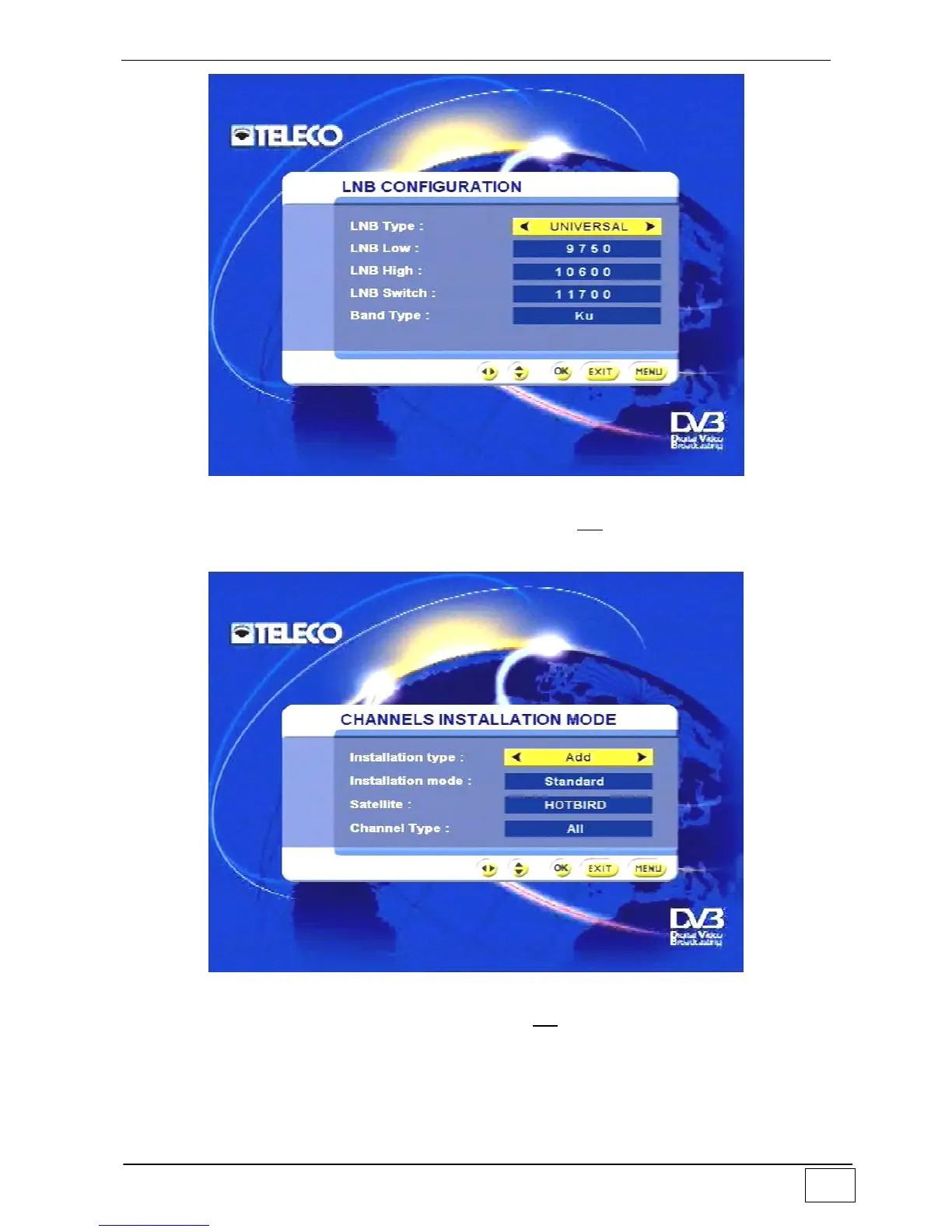
Figure 47 - LNB Configuration
Once this task has been completed confirm with the OK key. Next, set the service
installation mode:
Figura 48 - Service installation
Once this task has been completed confirm with the OK key. At this point your receiver will
start acquiring the service list for the requested satellite; this procedure may take a few
minutes and depends on the number of services. During this task the screen displays the
following message:



 To Next Page