17
2
2 Getting Started
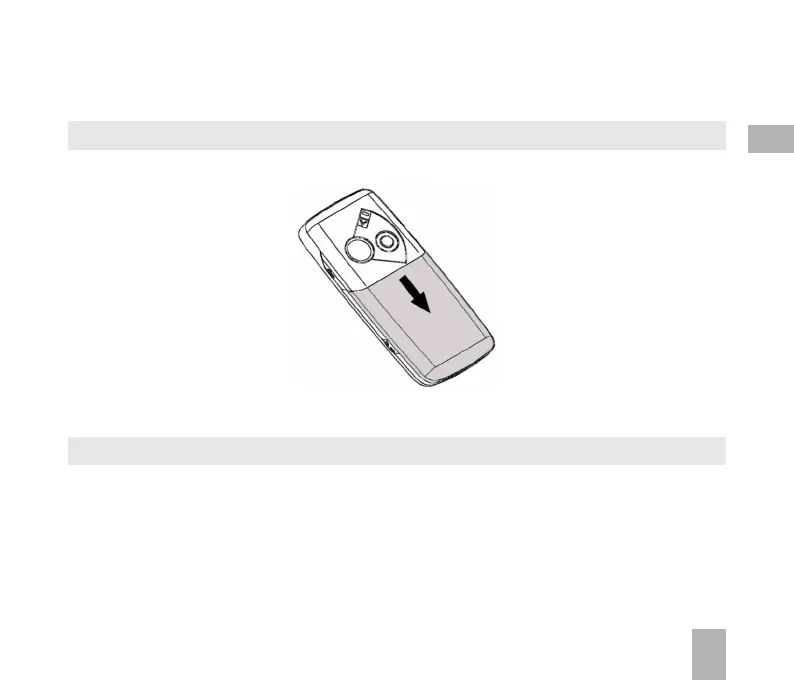
2.1 How do I remove the battery cover?
Push down gently on the thumb tab and slide the cover down then lift off.
2.2 How do I insert the USIM Card?
The USIM card (UMTS Subscriber Interface Module) is the small plastic smart-card with gold contacts.
It holds personal information such as names and phone numbers. It can be moved between different
phones if required. The USIM card must be inserted before using the handset.



 To Next Page