77
13.2 Stopwatch
Menu > Tools > Stopwatch
• Press OK Key to Start timing.
• Press OK to Stop timing. The screen will display the event time.
• Press OK to continue timing.
• Press Right Soft Key to reset.
13.3 Calculator
Menu > Tools > Calculator
• Press 0~9 keys to enter numbers, Decimal to enter the decimal point.
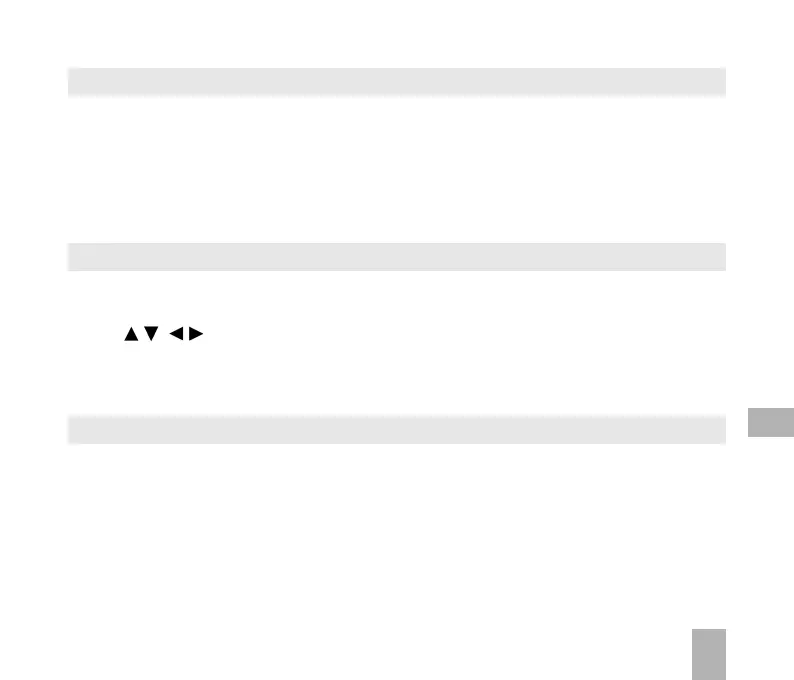
• Press for +, –, ×, ÷
• Press the End key to clear last digit and results.
• Press OK to show the result
13.4 World Time
Menu > Tools > World Time
• The world time function provides time information on major cities worldwide.
• Scroll to the desired city by using the Left / Right keys.
• Select the required city then press the OK Key to save the selected city as the local time zone.
• Note changing time zones changes the current time setting.
13



 To Next Page