23
Icon description
OK
3
3.4 How do I navigate the Menu?
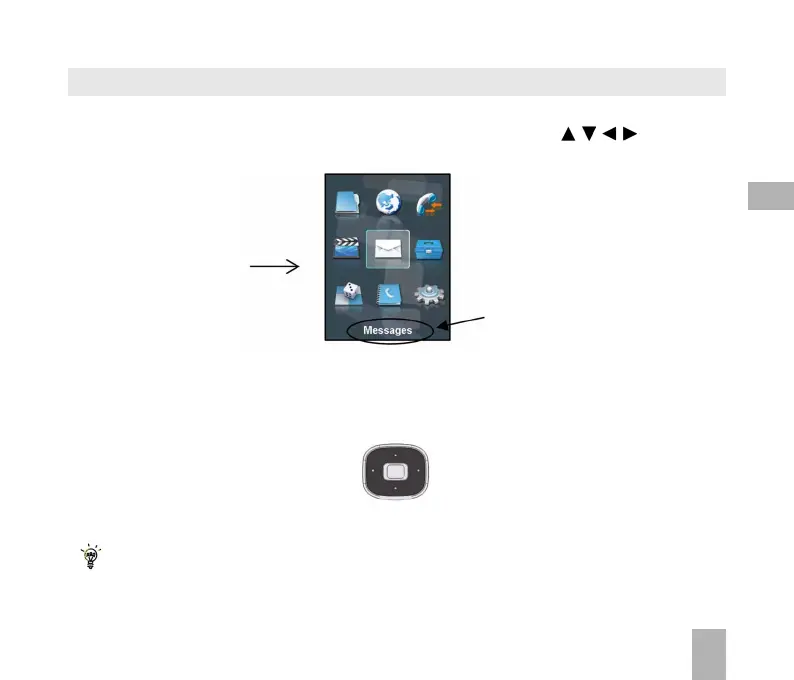
The Menu is a grid of icons that are used to access key features on the phone.
From the Idle Screen press OK to access the Menu. Use the Arrow Keys to move the
cursor or press the corresponding number key as shown on the grid below. Eg Menu > 5 = Messages
Shortcuts: Menu > Settings > tab right to Handset > Shortcut keys
From sleep mode (dark screen) press the key once to wake up the handset, press the key
again to perform the required function.
Shortcuts
From the idle screen the Arrow Keys launch the default Shortcuts as shown:
TWorld
Messages File Manager
Calls



 To Next Page