54
10
10 Imaging - Pictures and Videos
10.1 How to use the Camera
Menu > Multimedia > Camera
Shortcuts: Press and hold the side camera key to activate the camera.
The camera key activates the shutter and if pressed again will Save the image.
From Still mode press ? to change to Video mode as shown by the icon
in the top right hand corner.
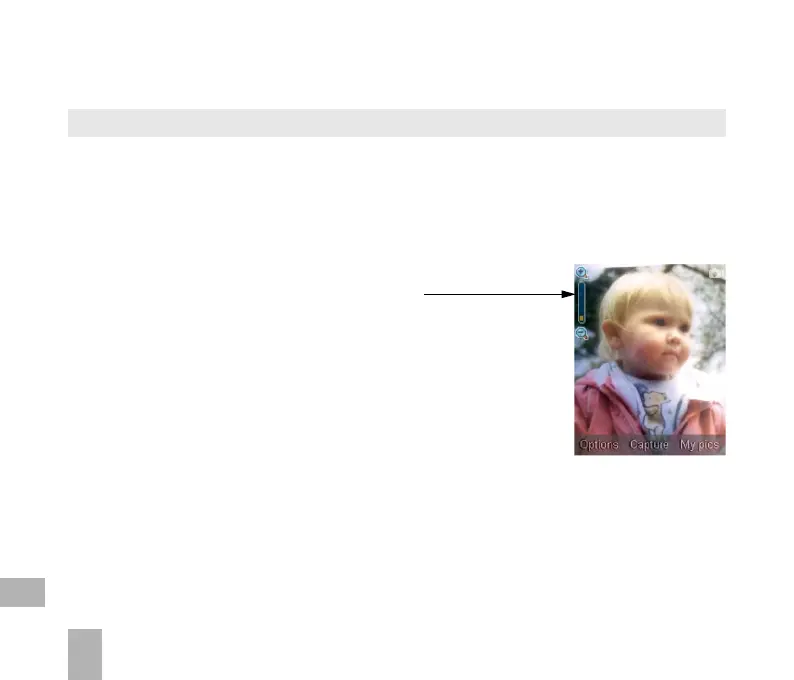
• Use the Up and Down arrows to control the zoom*
• Press the Options button to:
Change the Photo Size
Change the Photo Quality
Change the Brightness
Change the Contrast
Apply an Effect (Normal, B&W or Sepia)
Change the Shutter sound
Save to – Handset memory or External Memory (SD card if fitted)
Use the front / back camera
Switch to Video Camera
Press My Pics to view your saved pictures
* Zoom is not available on 1200 x 1600 as the screen is at maximum resolution.
Menu > Multimedia > Camera > Options > Photo Size to increase the size



 To Next Page