68
12.8 Export Contacts to Outlook
• Launch Microsoft Outlook, have JoinME running and connected to the handset.
• Make sure you are on the Contacts tab in JoinME, see image in 12.6 above.
• Select the number you want to export.
• Right click any selected contacts and select Export to Outlook
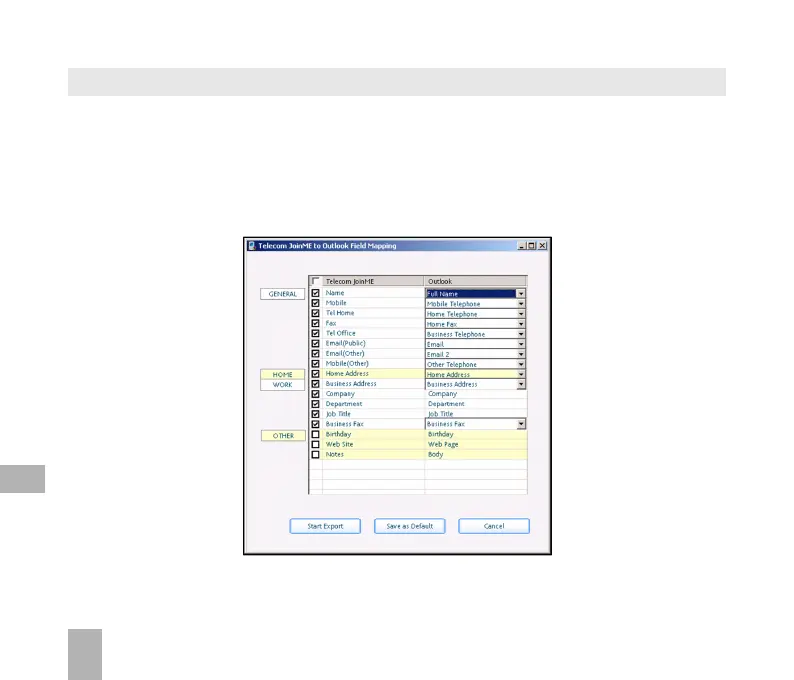
• Set the required fields to map from JoinMe to Outlook in the table below
• Press Start Export to export the Contacts
12



 To Next Page