53
9
9.2 Set Appointments using the Calendar
Menu > Tools > Calendar > Add
• Add an Appointment, Memo or Reminder. The memo function does not include an alarm
• Use the Meeting function to set repeat events such as Weekly Meetings and
Anniversaries
• Follow the prompts on screen to configure the event, see the examples in the table below
• Events are shown by a highlighted box on the event day
• Use Options to see the Month view and to change default behaviour under Settings
• If the Alarm time has passed or is after the event time you cannot save the appointment
• If the phone is switched off the Alarm will automatically switch on the handset.
• Remember to scroll to the bottom of the handset display to see all the available options.
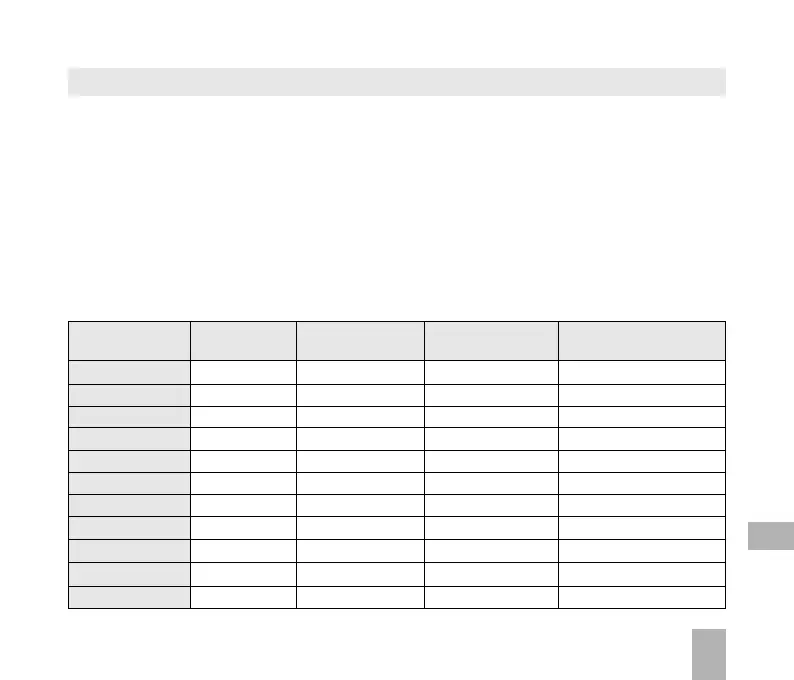
Examples of different uses for the Calendar > Appointment function
Daily Meeting Repeat Anniversary
Reminder with alarm Meeting
Subject Check mail Appointment Weekly Team John’s Birthday
Location Dentist Office
Start time 10.00am 11.00am 10.00am 08.00am
End time 10.00am 01.00pm 11.00am 08.00am
Start date 28/9/2008 30/10/2008 29/9/2008 29/03/2009
End date 01/01/2010 N/A 01/01/2010 29/03/2030
Alarm set On On On On
Alarm time 09.45am 10.00am 09.45am 08.00am
Alarm date 28/9/08 30/10/2008 29/9/2008 29/3/09
Repeat set Daily Not repeated Weekly Yearly
Repeat until 28/10/08 N/A 29/9/2012 29/03/2030



 To Next Page