70
12
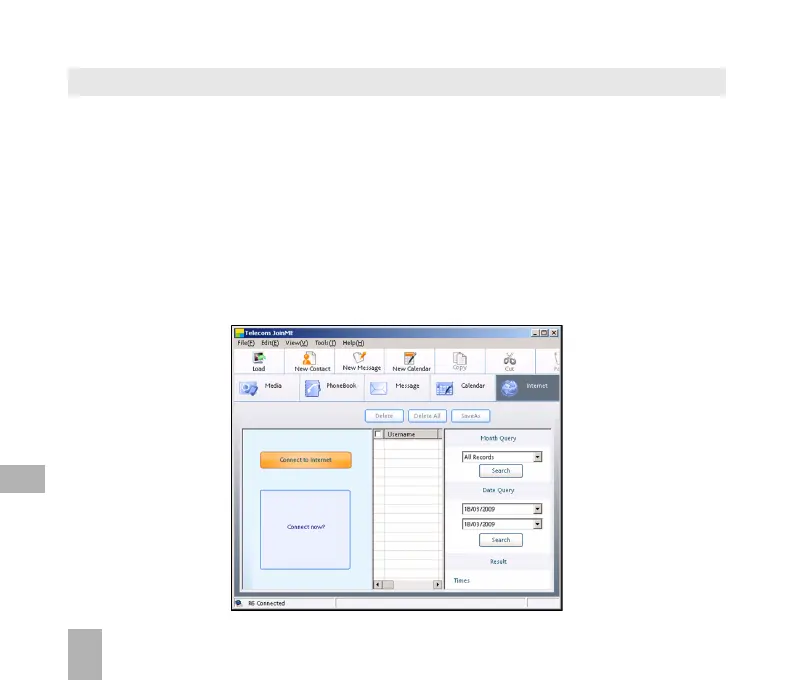
12.10 Use JoinME to connect to the Internet
You can use the phone as a modem to connect a computer to the internet.
• Make sure the phone is switched on and connected to the computer and JoinME
has been installed.
• The PC Connection on the handset must be set to USB
Menu > Settings > tab right to Handset > PC Connection > USB
• Double click the JoinME icon on the desktop.
• Select the Internet tab as shown below
• Press Connect to Internet go online
• The default APN for Dial Up Networking is preconfigured



 To Next Page