55
10.2 How to use the Video Camera
Menu > Multimedia > Video Camera
Shortcut: Press and hold the side camera key to activate the camera, press to switch to
video mode. From Video mode press the to change to Still mode as shown by the icon in the top
right hand corner.
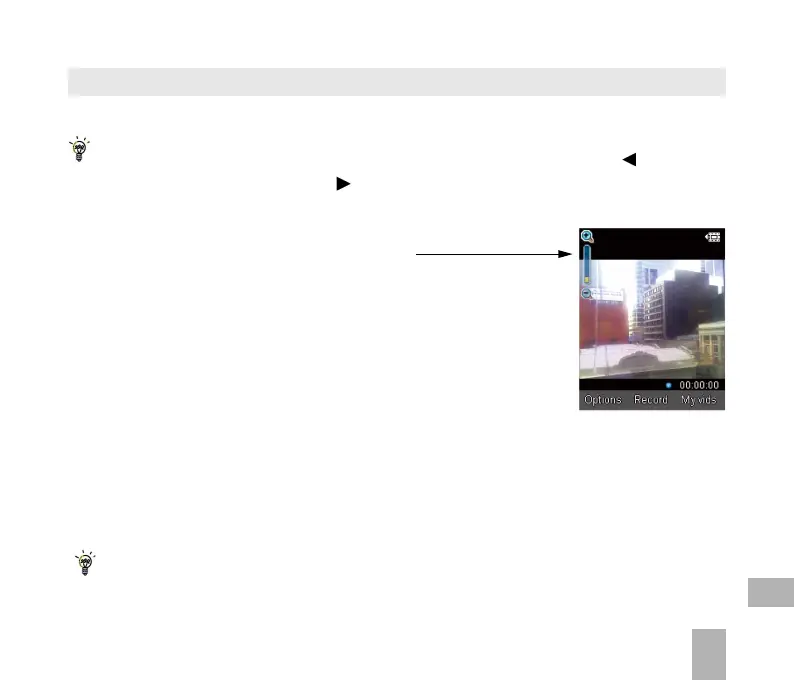
• Use the Up and Down arrows to control the zoom
• Press the Options button to change the following:
Video size default is 15 seconds. Change if required
Video Quality
Brightness
Contrast
Effect (Normal, B&W or Sepia)
Video sound
Video format, MP4 or 3GP
Save to – Handset memory or External memory (SD card if fitted)
Use the front / back camera
Switch to Camera
Press My Vids to view your saved video files
When viewing a video press Full Screen to view in Landscape.
10



 To Next Page