51
Press Options to Mark files to perform the function to multiple files.
Folder Options File Options Mark Options
Search Mark Mark all files
New folder Send Unmark all
Delete Set as ringtone / wallpaper Add to playlist / slide
Delete all Add to playlist / slide Move to
Rename Move to Copy to
Folder information Copy to D elete
Space information Rename Delete all
Delete Play marked files
Delete all Space information
Mark all files New folder
File information
Space information
New folder
8
8.3 Access the T-Flash card (Micro SD) using File Manager
Menu > File Manager > tab right to T-Flash Card
• All the folders and files that are stored on the card (if fitted) are displayed
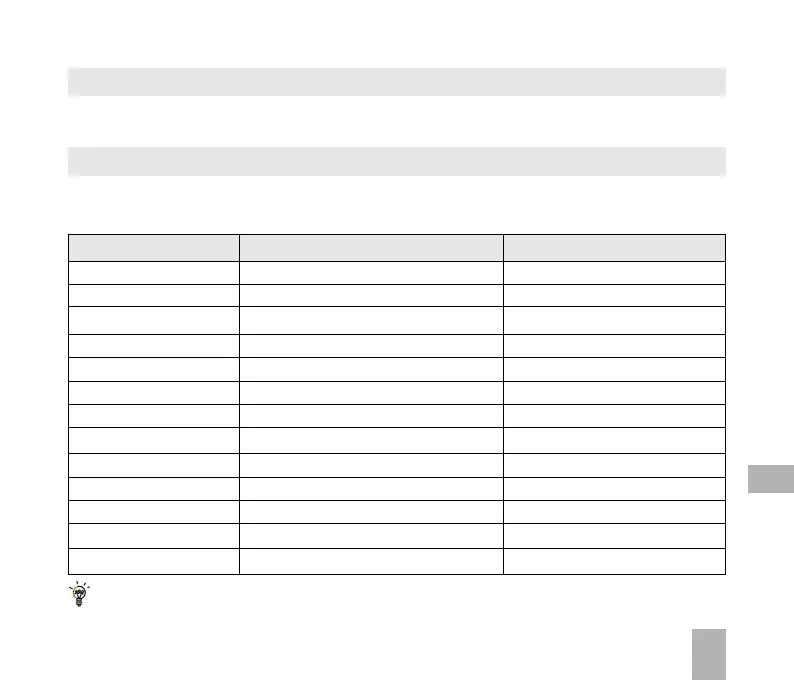
8.4 File Manager and T-Flash Options Table
Depending on your location within File Manager, there are different Options (Left soft key)
available as shown in the table below:



 To Next Page