65
12.5 Enter Contacts using JoinME
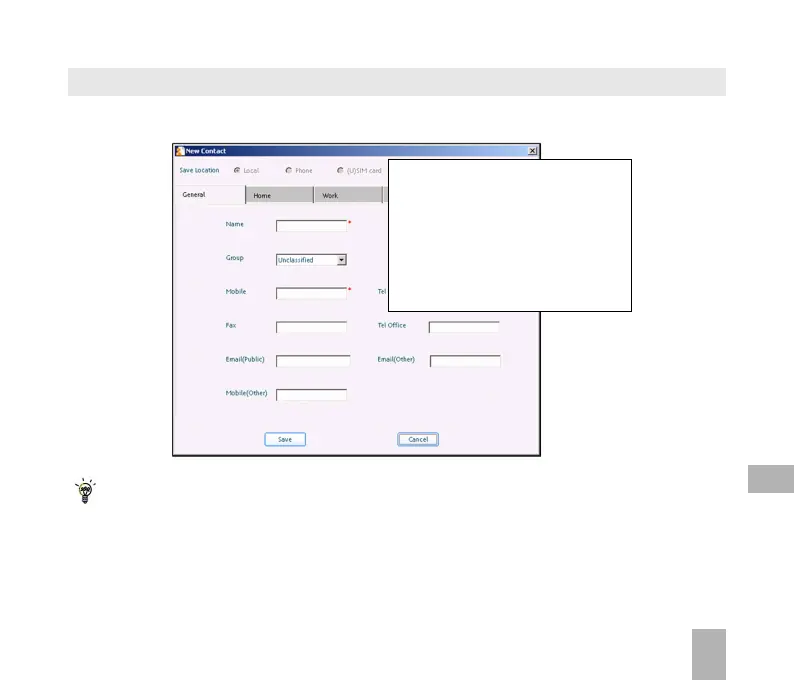
Use JoinME to enter new contacts into the phone.
The save location ‘Local’ refers to the computer. Remember to change this if you want to save
contacts directly to the handset or use the copy function to copy contacts from Local to Phone.
There is less storage available on the USIM card so some of the fields are greyed out.
On the phonebook tab enter con-
tacts directly using the PC.
Select “New Contact” then com-
plete the required fields.
Select the Save Location; Local,
Phone, (U)SIM or All.
12



 To Next Page