20
2
2.4 How do I switch the phone On or Off?
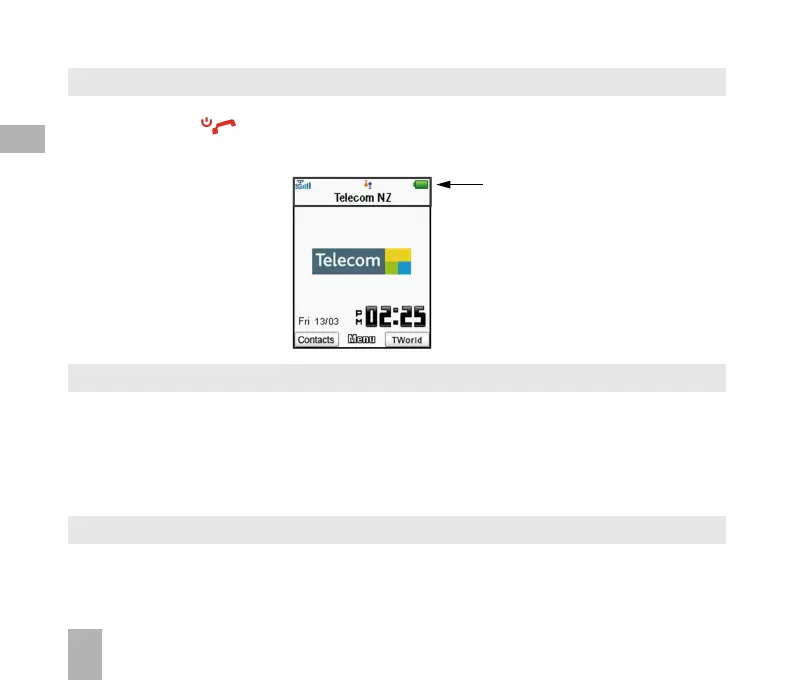
Press and hold the key for two seconds to switch the phone ON or OFF.
The start up screen below is referred to throughout the manual as the Idle Screen:
2.5 How do I set the time and date?
The time and date is set automatically from the network. It takes a few seconds to update
when the phone is first switched on. Select 12 or 24 hr format in the Network Time menu. To
manually set the time it is necessary to switch Network Time off:
Menu > Settings > Handset > Network Time > State Off then set the time and date manually:
Menu > Settings > Handset > Time and date.
2.6 How do I lock the keypad?
Manual keylock: Long press the * key then press the right soft key to engage or disengage
keylock.
Auto keylock: Menu > Settings > Handset > Keylock Set the lock time.
The Idle Screen
The Information bar



 To Next Page