D Series Syringe Pumps
Section 3 Basic Programming and Operation
3-2
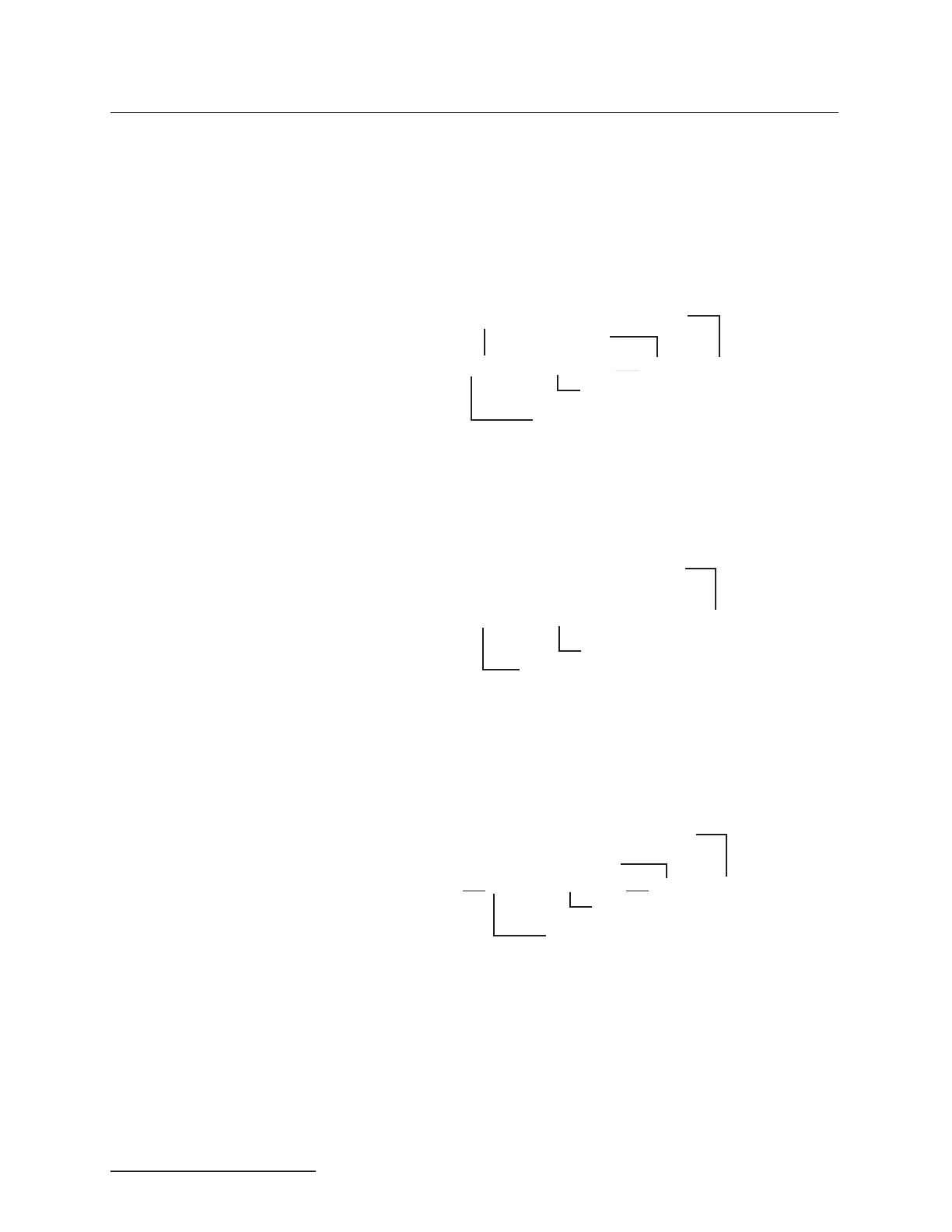
3.2.3 Run Screens The run screen appears once a program has been loaded and the
pump is running.
The run screen, which is determined by your program selections,
displays current information about pump operation. The fol-
lowing sections explain the display line by line.
Line One – No matter what mode you are in, the first line of the
run screen is always the same.
Line Two – The second line varies slightly depending on the
operating mode. A file or step will only be displayed when oper-
ating in the gradient mode.
Line Three – Line three varies depending on the mode; the rate
and units are set by the user, so these will vary depending on
your programming requirements. The ending time will always be
displayed on this line.
Line Four – Line four varies depending on the mode. The
options presented on this line are softkey selectable, i.e. you use
the softkeys (A - D) located under the screen to choose the option.
Active
Pump
PGa
Actual Pressure
.000 mL/MIN
Actual Flow Rate
PSI
Volume Remaining
XXX.XX ml
Current Mode
Elapsed Time
000:00:00
Step of program running or
loaded file number
FILE/STEPSTOPPED
Status
Final Pressure
PSI
Ending Time
00:00:00
FINAL:
Rate
Current Pressure
PS/MIN



 To Next Page