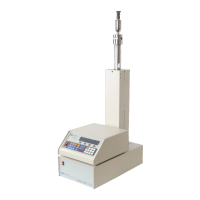
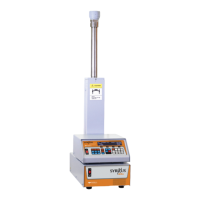
D Series Syringe Pumps
Section 3 Basic Programming and Operation
3-17
wish to define parameters for pump B, C, or D press soft-
key D, select pump, and then press softkey A, B, C, or D to
select pump A, B, C, or D respectively.
Note
If the main menu is displayed, you must press softkey D under
RETURN before pressing CONST PRESS.
2. Press the A softkey to indicate to the program that you
wish to enter the pressure. The words “ENTER PRES-
SURE” will flash on the screen.
3. Use the number keys to enter the desired pressure.
Note
If you make an error, press CLEAR ENTRY to delete one char-
acter at a time.
4. Press ENTER once the desired pressure is displayed.
5. Press RUN to initiate pump operation.
3.10.3 Dispense Mode For applications such as reactant feed and batch delivery where a
specified volume is pumped, Dispense Mode is available with
Teledyne Isco syringe pumps.
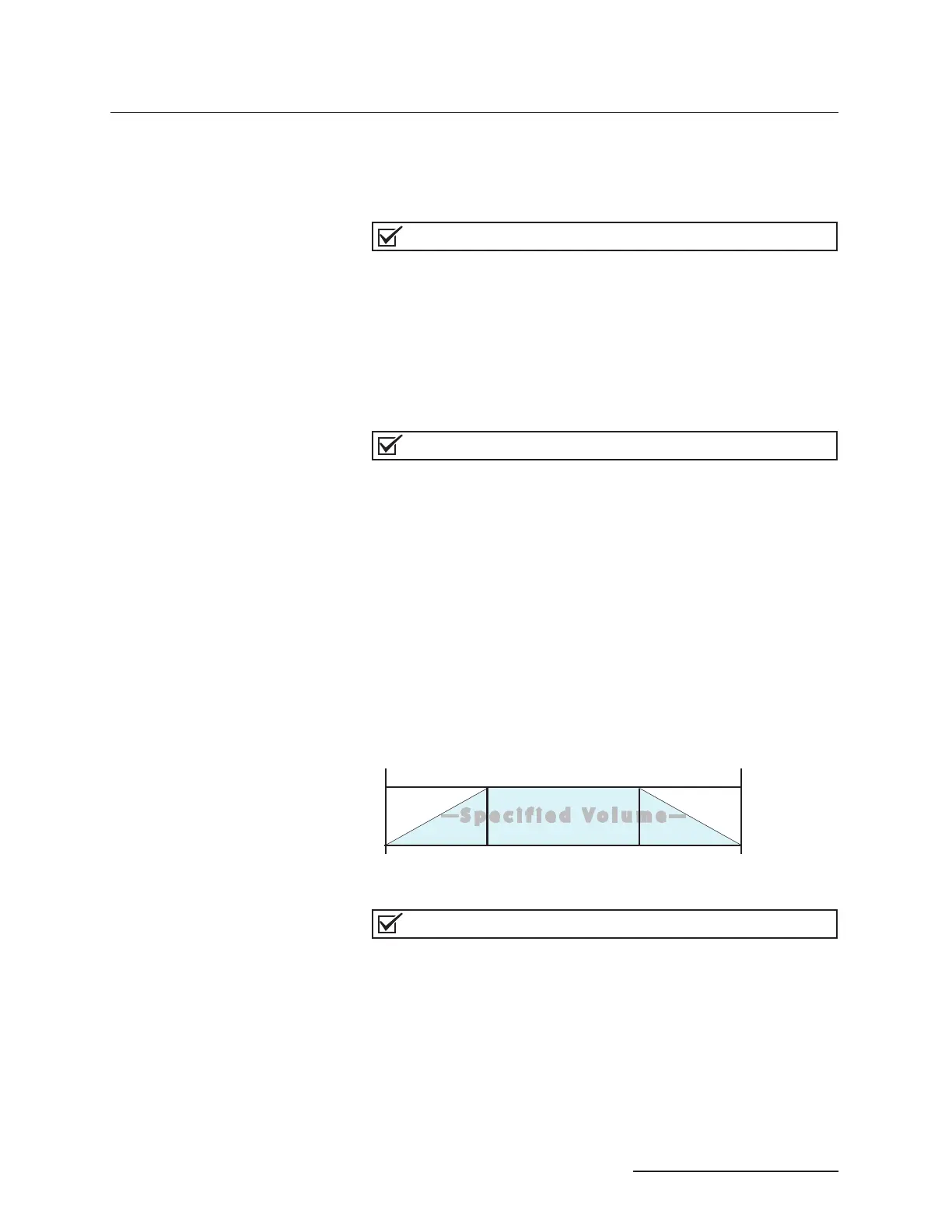
Dispense mode flow rate begins at zero, ramps up to level out at
the programmed flow rate, then ramps back down to zero, deliv-
ering a precise specified volume. The slope rate and run time are
dependent upon the pump model being used.
Figure 3-11 Depiction of dispense mode sequence
Note
For time-controlled delivery, you must run the pump in stan-
dard gradient mode, as described in Section 4.
In order to access Dispense Mode control, the pump must be in
Constant Flow mode. Press CONST FLOW to enter this mode.
Toggle Dispense Mode off or on by pressing DISP. Note that
pressing the DISP key while in Constant Pressure mode has no
effect.
To adjust the flow rate, press FLOWRATE (A), enter the desired
rate using the number keys, and press ENTER.
0
Specified Flow
Start
Stop
ramp up
ramp down



 To Next Page