ADR-7000 / SAVER-7000 / GUARD-7
© 2017 – Telefire Fire & Gas Detectors Ltd Revision 0.98 October 2017
– Page 41 of 87 –
8 System Configuration (Programming)
Moving between fields is done with the ► and ◄ keys. Changing the field's value is
done with the ▲ and ▼ keys or by entering the value with the numeric keys.
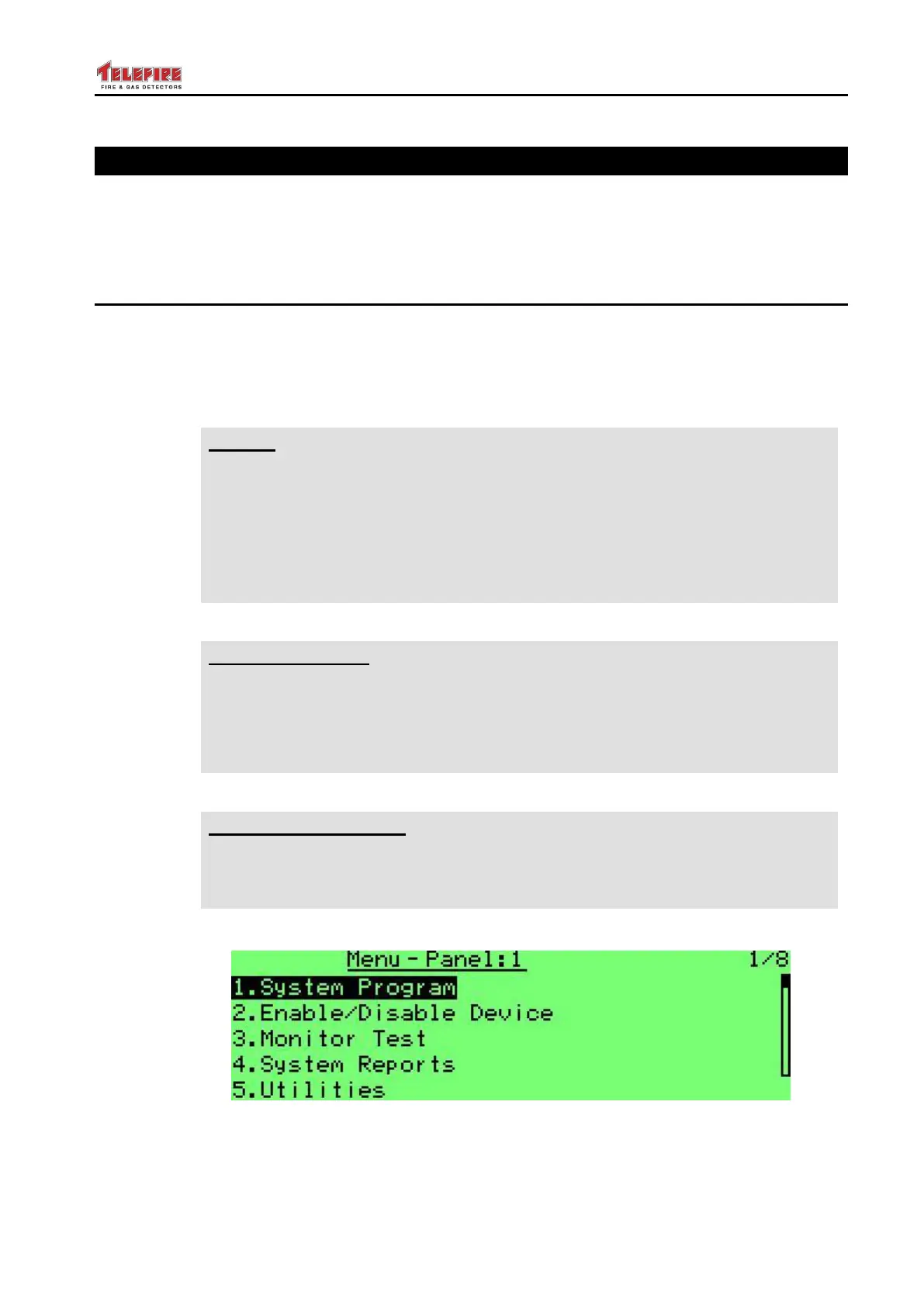
You can select menus by entering the menu number or by scrolling with the ▲ and ▼
keys.
8.1 System Configuration
The system programming menu supports matching the system to the site requirements.
You can set the configure the system, program field devices, check reports, etc..
Please see sections 8.9 onwards starting on page 54 for a detailed explanation of the
system programming.
Note
Telefire's ADR-7000 product line complies with the requirements of several
standards, including UL 864, IS 1220, EN 54, EN 12094, and GOST, and
may comply with options or requirements of one of the standards and are not
compliant with another standard.
Where the control panel allows setting of a parameter that are outside the
range of one of the standards, we included an appropriate warning in the
relevant area of the manual.
UL Requirement
UL 864 paragraph 36.1.7 states that "An automatic delay provided prior to
release operation by a system shall be a maximum of 60 seconds, timed from
a release initiation condition, either from the actuation of a single detector, or
from the actuation of the second circuit or detector for cross-zone and single-
zone multiple-detector, or a combination of the two operations"
IS 1220 Requirement
Do not combine alarm verification utilizing delay and cross zone verification.
Total delay for activation of extinguishing (detector verification delay and
extinguishing activation delay) shall not exceed 60 seconds.
Screen 10 Main Menu (1 of 2)



 To Next Page