ADR-7000 / SAVER-7000 / GUARD-7
© 2017 – Telefire Fire & Gas Detectors Ltd Revision 0.98 October 2017
– Page 42 of 87 –
Screen 11 Main Menu (1 of 2)
8.2 Enablement / Disablement
8.2.1 Enabling and Disabling a Device
This function is used for temporary disabling a device. A disabled device shall not cause
any fault (with the exception of a Disablement notification); disable input devices shall
not cause an alarm and a disabled output device shall not be activated in case of alarm.
Press Menu to get to the main menu. Select 2. Enable/Disable Device. Select panel
number and whether the operation shall be performed for a device, a Zone, a Group, or
Main Board Outputs.
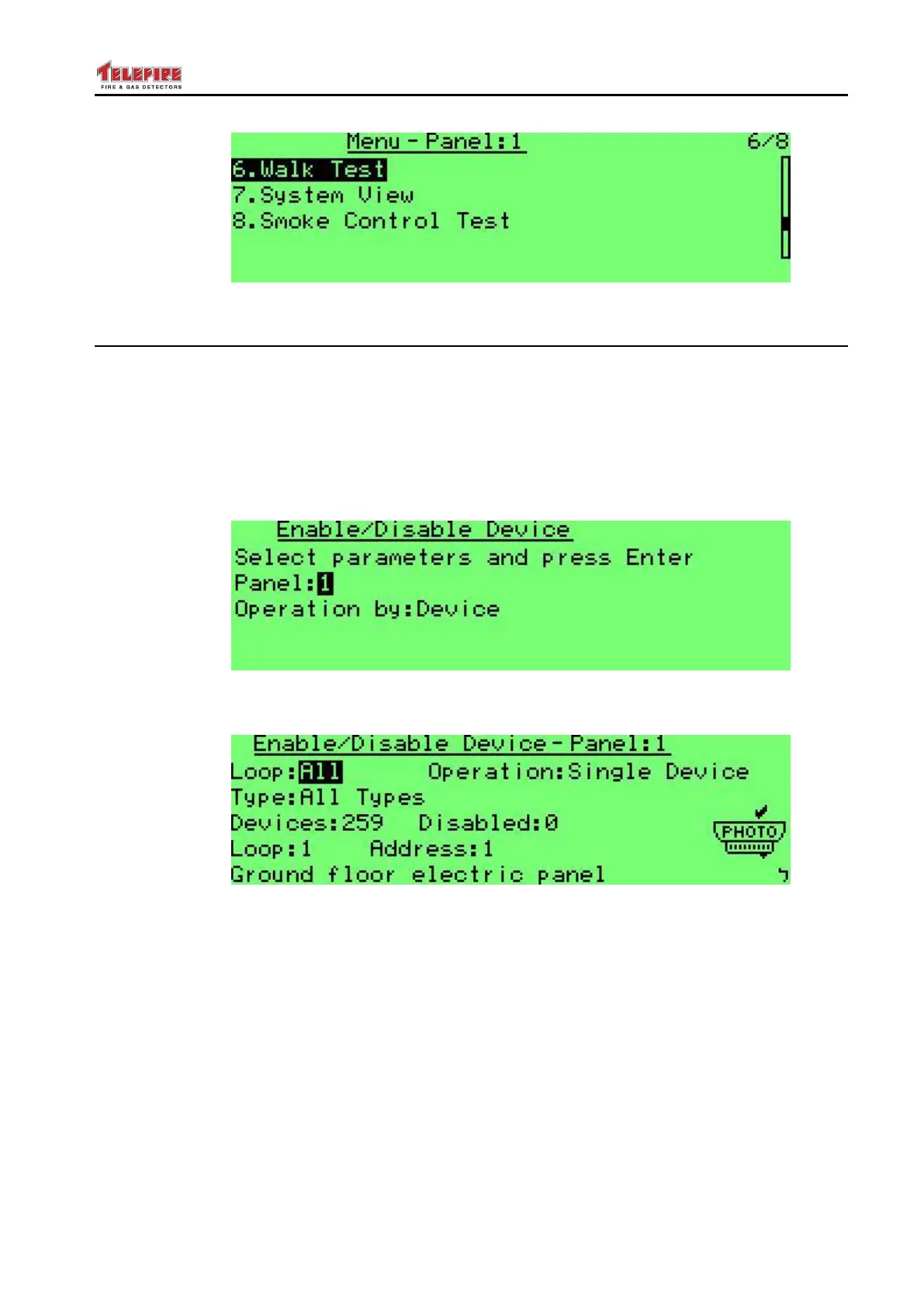
Screen 12 Enable / Disable primary screen
Press Enter and you can see the following screen:
Screen 13 Enable / Disable Device
Here you can select the device or devices that will be enabled or disabled:
Loop: all loops, or a specific loop (1-8)
Operation: single device or all devices with the following parameters:
Device Type: All Types, or all devices of the following type:
Photoelectric detectors
Heat detectors (select all modes, fixed temp or rate of rise)
Gas detectors
Input modules (all input modules or only those modules who cause the
following: Alarm input; Reset Switch; Silence; Disconnect; Supervisory; Abort;
Release; Alarm Matrix; or Fan FC)



 To Next Page