ADR-7000 / SAVER-7000 / GUARD-7
© 2017 – Telefire Fire & Gas Detectors Ltd Revision 0.98 October 2017
– Page 65 of 87 –
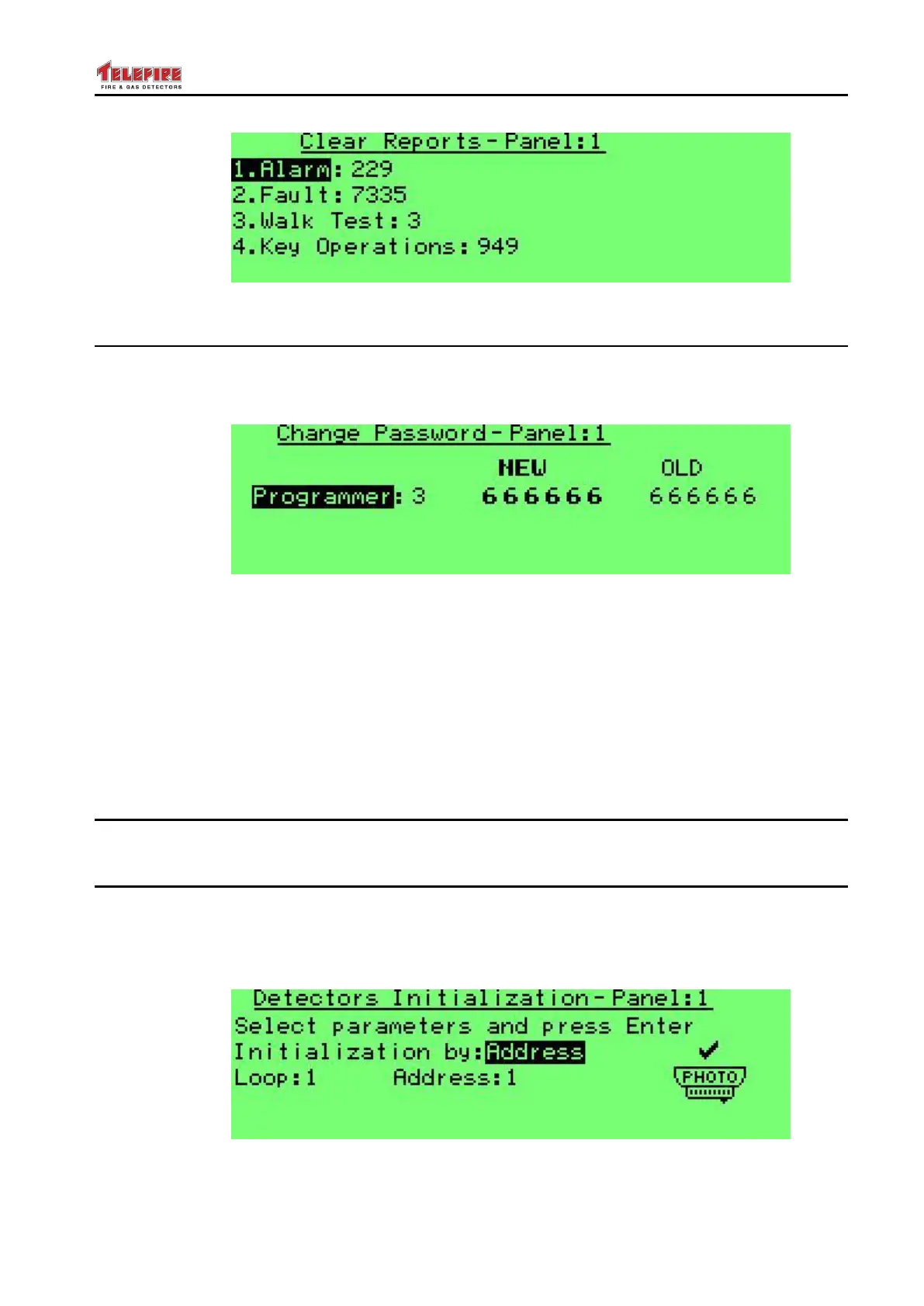
Screen 73 Clear reports
8.14 Change Passwords
This menu option allows you to change passwords. There are three IDs for Operator
(EN 54 access level 2) passwords, and three IDs of Programmer (EN 54 access level 3)
passwords.
Screen 74 System Program – Change password
Default passwords are:
Operator 1: 111111
Operator 2: 222222
Operator 3: 333333
Operator 4: 444444
Operator 5: 555555
Operator 6: 666666
8.15 Advanced
Not for field use.
8.16 Detector Initialization
This menu option allows you to force the control panel to perform detector initialization.
It is highly recommended to perform the initialization process when the system is turned
on for the first time, or after installing or changing a detector, as it may take several days
under normal operation.
Screen 75 Detector initialization



 To Next Page