ADR-7000 / SAVER-7000 / GUARD-7
© 2017 – Telefire Fire & Gas Detectors Ltd Revision 0.98 October 2017
– Page 49 of 87 –
The keyboard can be configured to auto-lock continuously, 10 minutes, 30 minutes, or
one hour after last use.
IS 1220 Requirement
IS 1220 requires that auto lock timeout shall not exceed 30 minutes.
Set to auto lock continuously, 10 minutes, or 30 minutes to comply with
IS 1220 requirement.
UL Requirement
UL 864 requires that auto lock timeout shall not exceed 30 minutes.
Set to auto lock continuously, 10 minutes, or 30 minutes to comply with
UL requirement.
NFPA 72 Recommendation
NFPA recommendation and local regulations in most countries require that
the keyboard be locked.
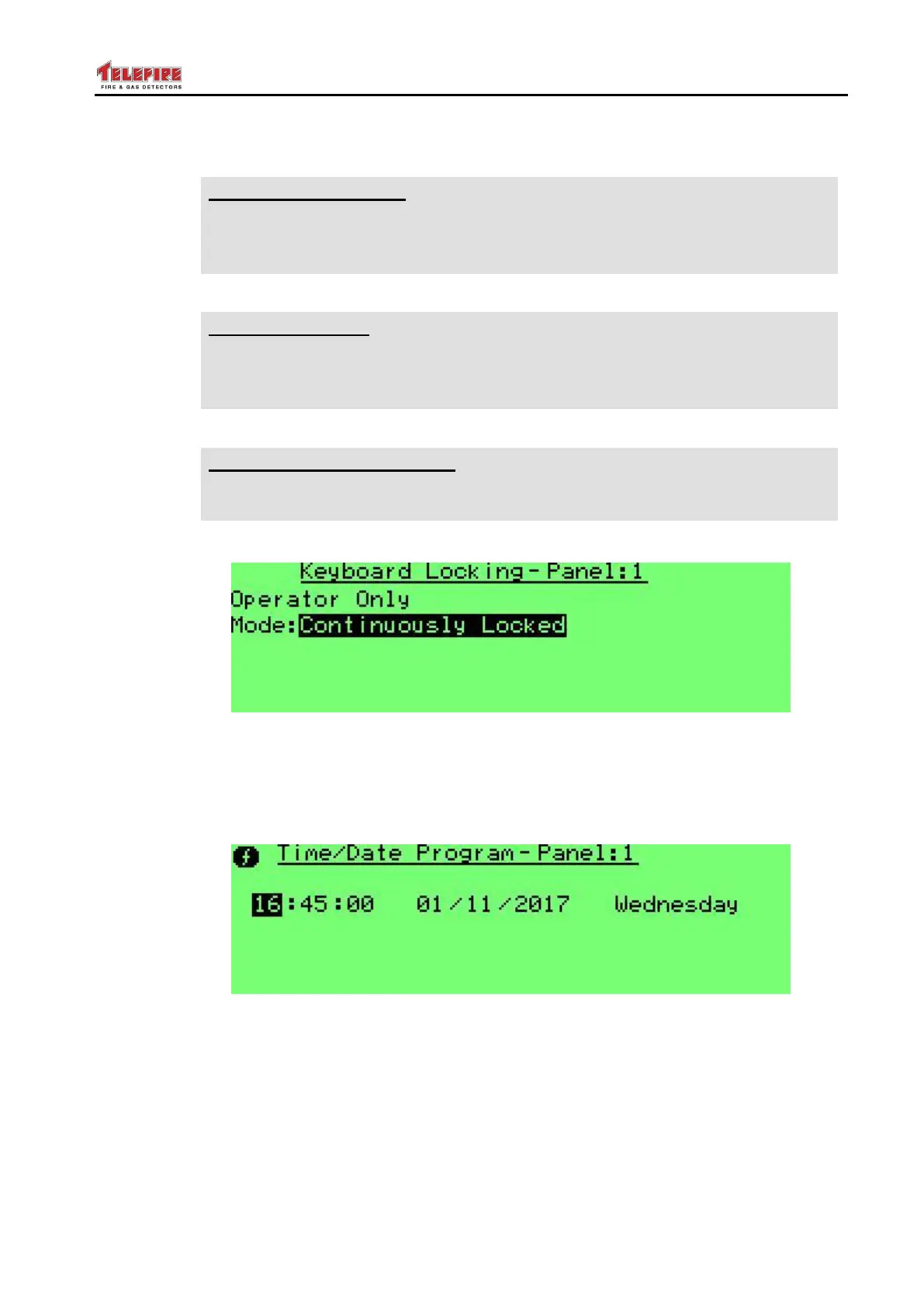
Screen 32 Keyboard Locking – mode selection
8.5.5 Time / Date Program
Use this menu to set the date and time. Press Function and 1 to copy this value to
other panels on the network. Only those panels that are configured as Partner shall be
updated.
Screen 33 Setting time and date (date is European style – day / month / year)
8.5.6 Day / Night Setting
Here you can set whether the control panel shall work in a time-based
This sub-menu serves for setting system operating modes, by different time settings, to
distinguish between normal operating hours (Day mode) and nighttime hours (Night
mode).
Mode – This field indicates one of three operating modes.
Day – Continuous operation in day mode (without automatic change).



 To Next Page