60 SUPPLEMENTS - СА62 Alarm Control Panel
ADDRESS MENU
DEFAULT CONFIGURATION 0
DEFAULT
CONFIG. 1
DEFAULT
CONFIG. 2
DEFAULT
CONFIG. 3
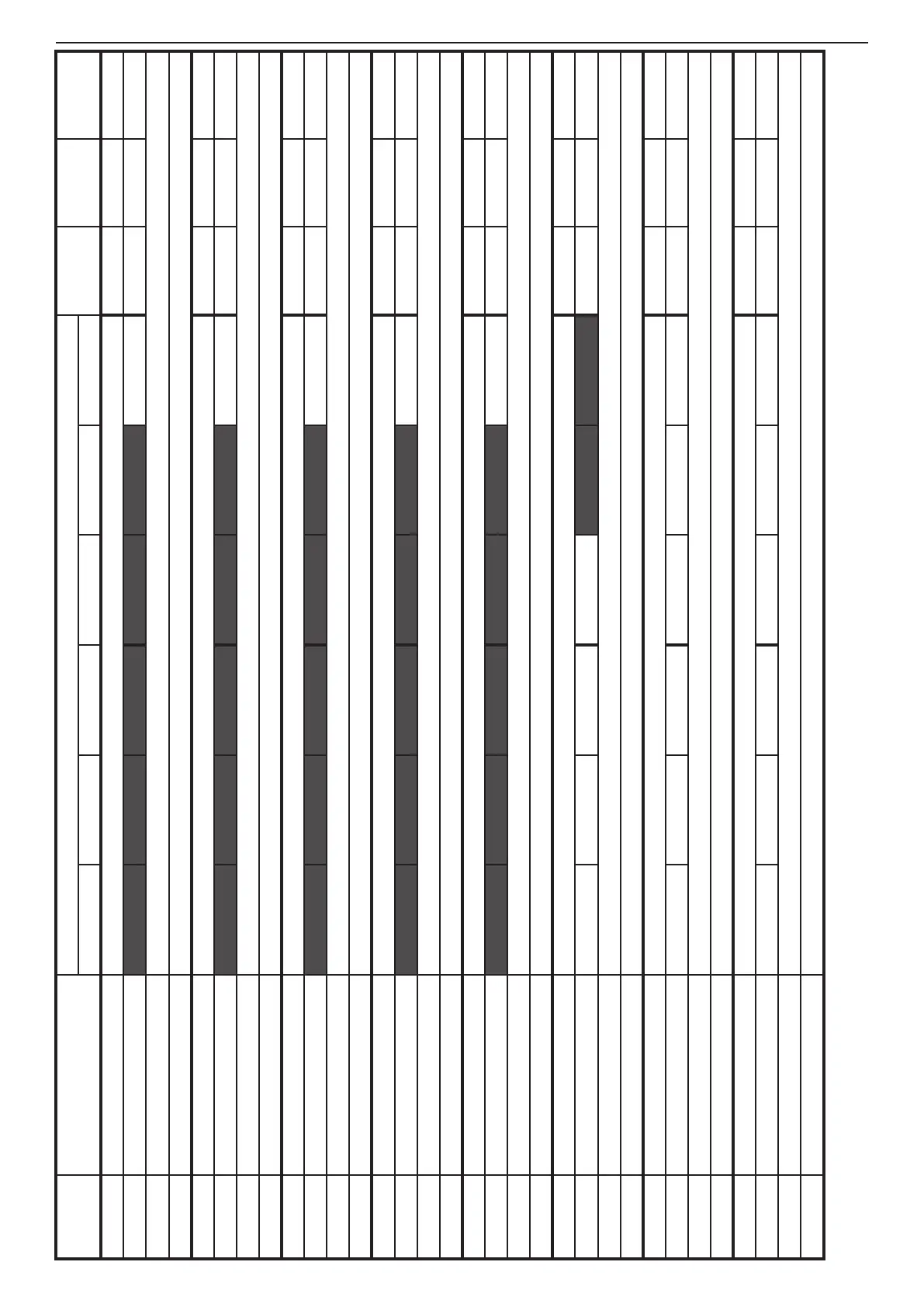
LED 1 LED 2 LED 3 LED 4 LED 5 LED 6
160 User code 16 (- - - -) Enter 4 or 6 digit code (depends on the settings at ADDRESS 1001 from the Engineering Menu) (- - - -) (- - - -) (- - - -)
161 User code 16 Attributes 1. DISARM 2. STAY ARM 3. BYPASS 4. PROGRAM 5. Part A 6. Part B 1 to 5 1 to 4 and 6 1 to 4 and 6
162 Proximity card Register Put the card close to the proximity reader.
163 Proximity card Delete Press ENTER button to delete the card.
170 User code 17 (- - - -) Enter 4 or 6 digit code (depends on the settings at ADDRESS 1001 from the Engineering Menu) (- - - -) (- - - -) (- - - -)
171 User code 17Attributes 1. DISARM 2. STAY ARM 3. BYPASS 4. PROGRAM 5. Part A 6. Part B 1 to 5 1 to 4 and 6 1 to 4 and 6
172 Proximity card Register Put the card close to the proximity reader.
173 Proximity card Delete Press ENTER button to delete the card.
180 User code 18 (- - - -) Enter 4 or 6 digit code (depends on the settings at ADDRESS 1001 from the Engineering Menu) (- - - -) (- - - -) (- - - -)
181 User code 18 Attributes 1. DISARM 2. STAY ARM 3. BYPASS 4. PROGRAM 5. Part A 6. Part B 1 to 5 1 to 4 and 6 1 to 4 and 6
182 Proximity card Register Put the card close to the proximity reader.
183 Proximity card Delete Press ENTER button to delete the card.
190 User code 19 (- - - -) Enter 4 or 6 digit code (depends on the settings at ADDRESS 1001 from the Engineering Menu) (- - - -) (- - - -) (- - - -)
191 User code 19 Attributes 1. DISARM 2. STAY ARM 3. BYPASS 4. PROGRAM 5. Part A 6. Part B 1 to 5 1 to 4 and 6 1 to 4 and 6
192 Proximity card Register Put the card close to the proximity reader.
193 Proximity card Delete Press ENTER button to delete the card.
200 User code 20 (- - - -) Enter 4 or 6 digit code (depends on the settings at ADDRESS 1001 from the Engineering Menu) (- - - -) (- - - -) (- - - -)
201 User code 20 Attributes 1. DISARM 2. STAY ARM 3. BYPASS 4. PROGRAM 5. Part A 6. Part B 1 to 5 1 to 4 and 6 1 to 4 and 6
202 Proximity card Register Put the card close to the proximity reader.
203 Proximity card Delete Press ENTER button to delete the card.
210 Manager code (0000) Enter 4 or 6 digit code (depends on the settings at ADDRESS 1001 from the Engineering Menu) (0000) (0000) (0000)
211 Manager code Attributes 5. Part A 6. Part B 5 and 6 5 and 6 5 and 6
212 Proximity card Register Put the card close to the proximity reader.
213 Proximity card Delete Press ENTER button to delete the card.
220 Manager code 1 (0000) Enter 4 or 6 digit code (depends on the settings at ADDRESS 1001 from the Engineering Menu) (- - - -) (- - - -) (- - - -)
221 Manager code 1 Attributes 5. Part A 6. Part B 5 5
222 Proximity card Register Put the card close to the proximity reader.
223 Proximity card Delete Press ENTER button to delete the card.
230 Manager code 2 (0000) Enter 4 or 6 digit code (depends on the settings at ADDRESS 1001 from the Engineering Menu) (- - - -) (- - - -) (- - - -)
231 Manager code 2 Attributes 5. Part A 6. Part B 6 6
232 Proximity card Register Put the card close to the proximity reader.
233 Proximity card Delete Press ENTER button to delete the card.
TABLE 2 continues



 To Next Page