Getting Started
© 2007 TeleType Co.
25
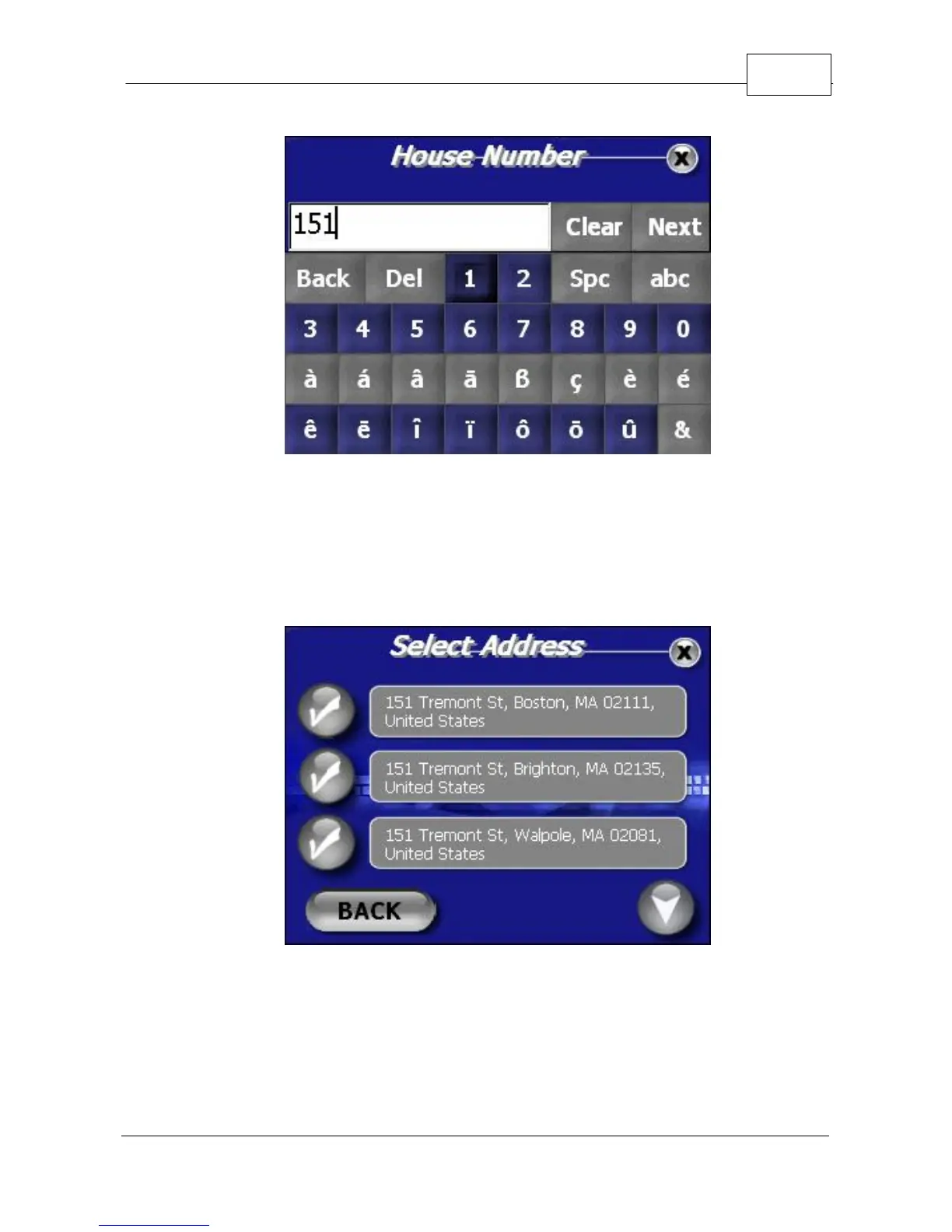
House Number
3. The WorldNav 3100 will generate search results
based on your entry. Select your destination by
touching the appropriate check mark.
Select Address
4. The Start Address will automatically display your
current location. If you would like to modify your
Route at this point, you can touch the magnifying



 To Next Page