© 2007 TeleType Co.
WorldNav 3100
26
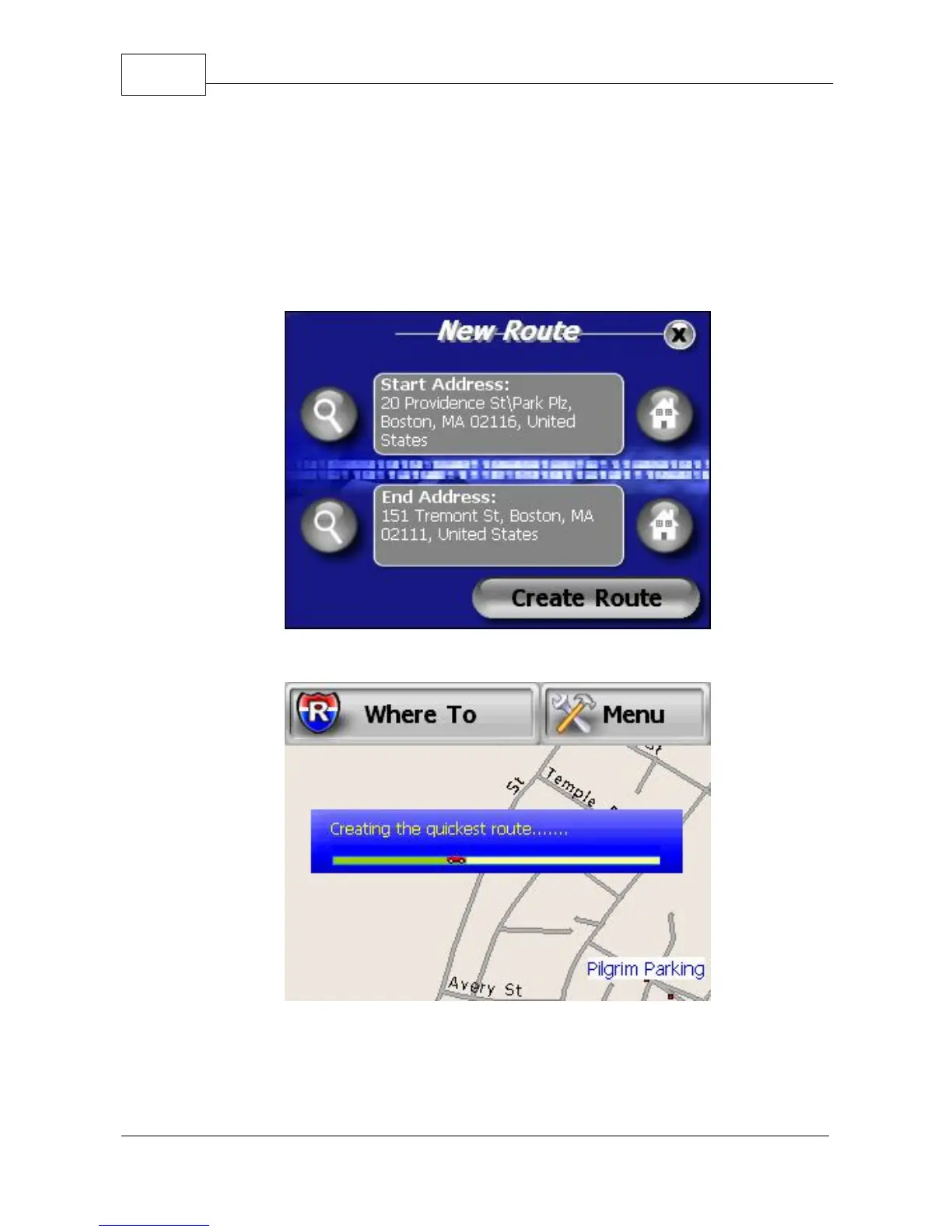
lens icon located to the left of the End Address.
This will take you back to the Find Wizard where
you can enter a new destination. Once your
desired End Address is displayed, press
<Create Route>.
Route Start and End Addresses
Creating Route
5. Drive. The GPS will prompt you at turns and you



 To Next Page