38 MA365 • Rev. A2
Tellabs
®
6325 Edge Node 2 Installation Information
To remove the fan
module from the subrack
Please follow this procedure when you have to remove a fan module from the
subrack.
Warning: The Tellabs 6325 node will be reset if this procedure is not followed.
Note: To avoid damage on components sensitive to static electricity, use an
antistatic bracelet connected to the chassis of the Tellabs 6325 node.
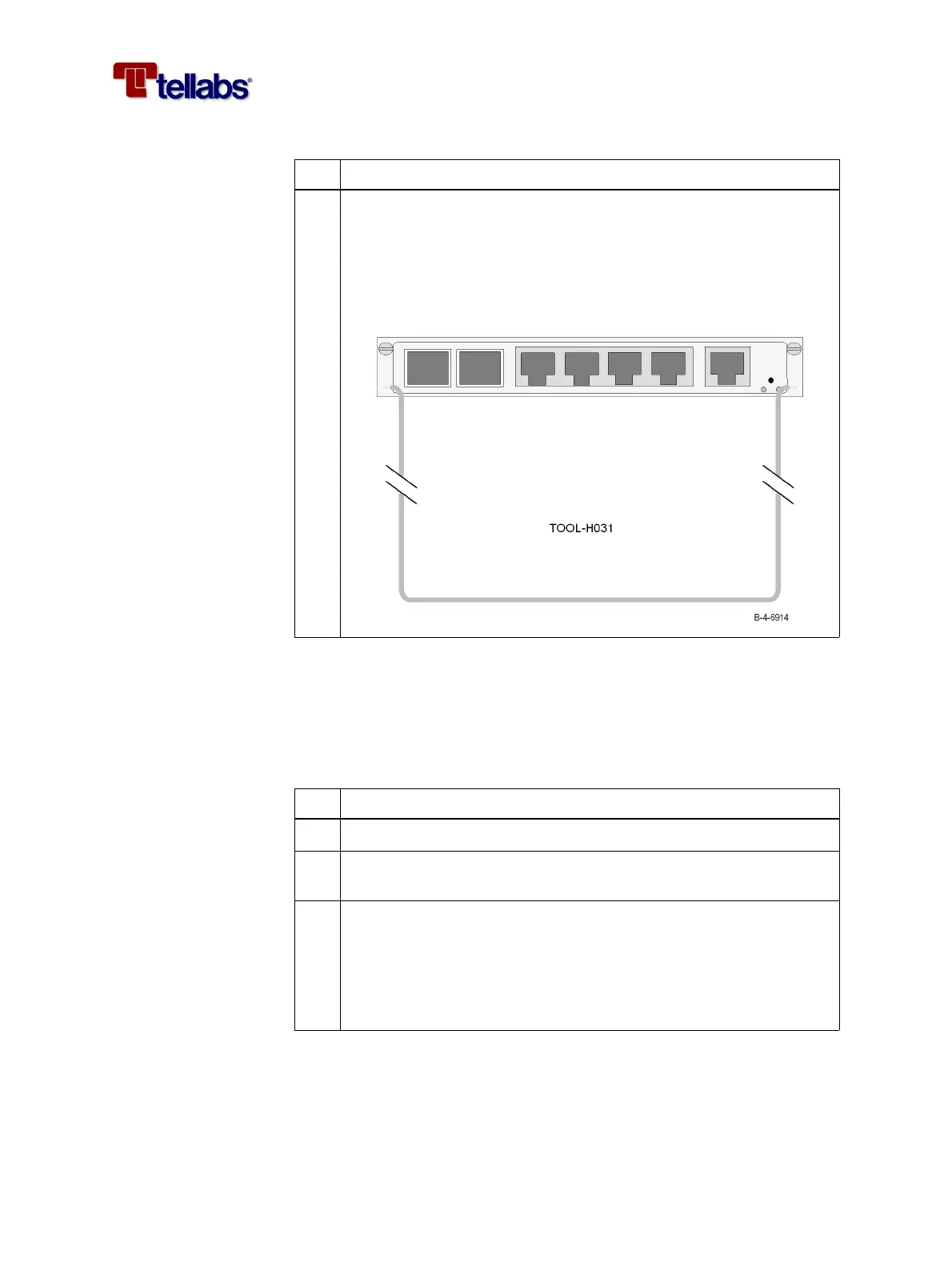
4 When the LED (Safe Removal) is on you can pull out the module us-
ing the extraction tool (TOOL-H031).
Warning: The LED will be on for only 30 seconds. In this period of
time you can pull out the module. If the module is not removed, it will
return to normal mode (LED turns off) and you will have to repeat
step 3 before you can pull out the module.
Step Action
Step Action
1
Disconnect the sync/alarm cable connected to the fan module.
2 Push the switch (Reset/Remove) on the CMCC module using the re-
set tool and wait for the LED (Safe Removal) to switch on.
3 When the LED (Safe Removal) on the CMCC module is on you can
pull out the fan module.
Warning: The LED will be on for only 30 seconds. In this period of
time you can pull out the module. If the module is not removed, it will
return to normal mode (LED turns off) and you will have to repeat
step 2 before you can pull out the module.



 To Next Page