93
Sidekick
®
Plus Test Set
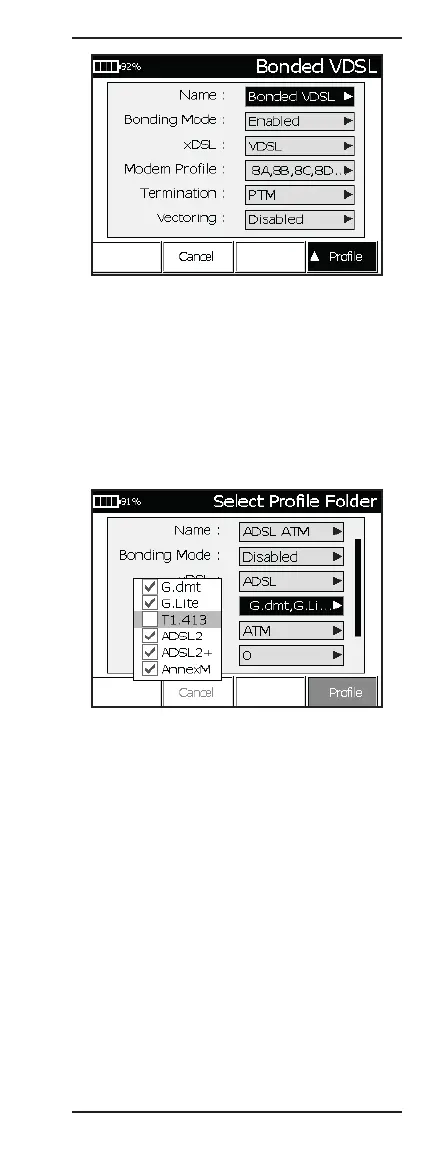
6. Use the up (2) and down (8) arrows to select the
modem parameter to change. Press the right (6)
key to change the selected parameter.
7. To make a change to the Standard (in ADSL mode)
or Modem Profile (in VDSL mode), press the right
(6) key to display the selection pop-up window.
Then use the center (5) key to check or uncheck
the highlighted profile. After the selections are
made, press the O (Back) key to save the selec-
tion and return to the Profile configuration view.
8. Configure the link termination by pressing the right
(6) key when “Termination” is highlighted. Select
either PTM or ATM from the pop-up window.
• For VPI, enter the virtual path identifier number.
• For VCI, enter the virtual circuit identifier number.
• For MUX, select LLCSNAP or VCMUX.
Note: VPI, VCI, and MUX settings are only shown if
the termination is set to ATM .



 To Next Page