Controls and Operating
3-16
NOTICE: A normal short click on left menu control button toggles the
display between the 3 possible indications. The indicator can be set to
zero by pressing Left Menu Control Button for 2 seconds.
9. Drop Box High/ Low Oil Pressure - Indicates that the drop box
oil pressure is above the prescribed operating range and should
be investigated.
10.Battery Voltage Indicator - Indicates the power supply voltage of
the machine. In the normal condition the indicator glows green.
When the voltage drops below 24V the indicator glows yellow.
When the voltage drops below 20V the indicator turns red.
Recharge the battery or replace with a new one.
11.Brake Cooling Oil Temperature - Indicates that brake cooling oil
temperature is above the prescribed operating range and should
be investigated.
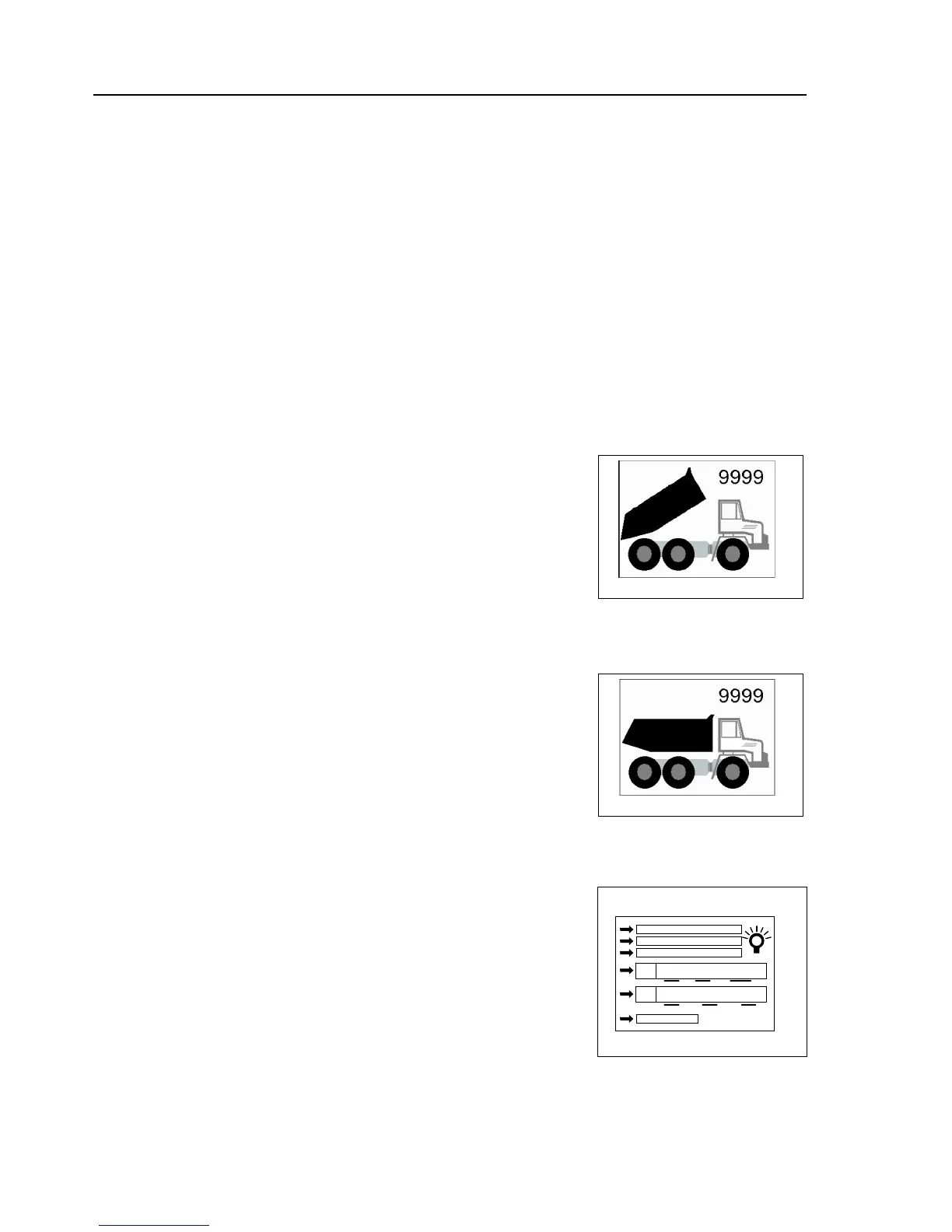
Screen - 3:
Body Up Screen
The “Body Up Screen” appears automatically once the body control lever
has been activated for more than 2 seconds. It shows the body’s current
state depending on the signal coming from the body proximity switch.
‘Body Up’ Indicates that the body has been raised and it is off the chassis
bed. Transmission upshift / vehicle movement is restricted while the light
is illuminated.
The “Body Up Counter” is incremented after each “regular” body up/down
cycle.
A few seconds after the body proximity switch signal has changed from
“Body is UP” to “Body is DOWN” position the display returns to the main
screen.
Whenever the body up screen is displayed, the counter can be set to zero
by pressing the “Left Menu Control Button” on the dashboard display for 2
seconds.
Screen - 4:
Brightness and RTC Setup Screen
This screen allows separate setting of the dashboard display’s LCD and
instruments backlight values. There are two different value settings,
adjustable for day (Control Stock Lights Switch OFF) and night (Control
Stock Lights Switch ON-1).
When this screen is chosen - by using the “Display-Menu (+)(-) Switch” or
the dashboard display’s “Right Menu Control Button” - pressing the
dashboard display’s “Left Menu Control Button” leads into a deeper menu
level. A green arrow appears on the left and points to the first item
“DISPLAY BACKLIGHT”.


 To Next Page