IBUC Operation Manual
Terrasat Communications, Inc.
Rev. A
7-57
6) M&C using TCP/IP is displayed in embedded web pages. The user connects to
the Redundant System M&C and enters one of the IBUC IP address through a web
browser (for Tx Redundancy) or the Rx 1+1 Interface Module IP address (for Rx
Redundancy). This will bring up a login page. After login, the operator has a choice
of a few web pages with monitoring, control and alarm information. For Tx
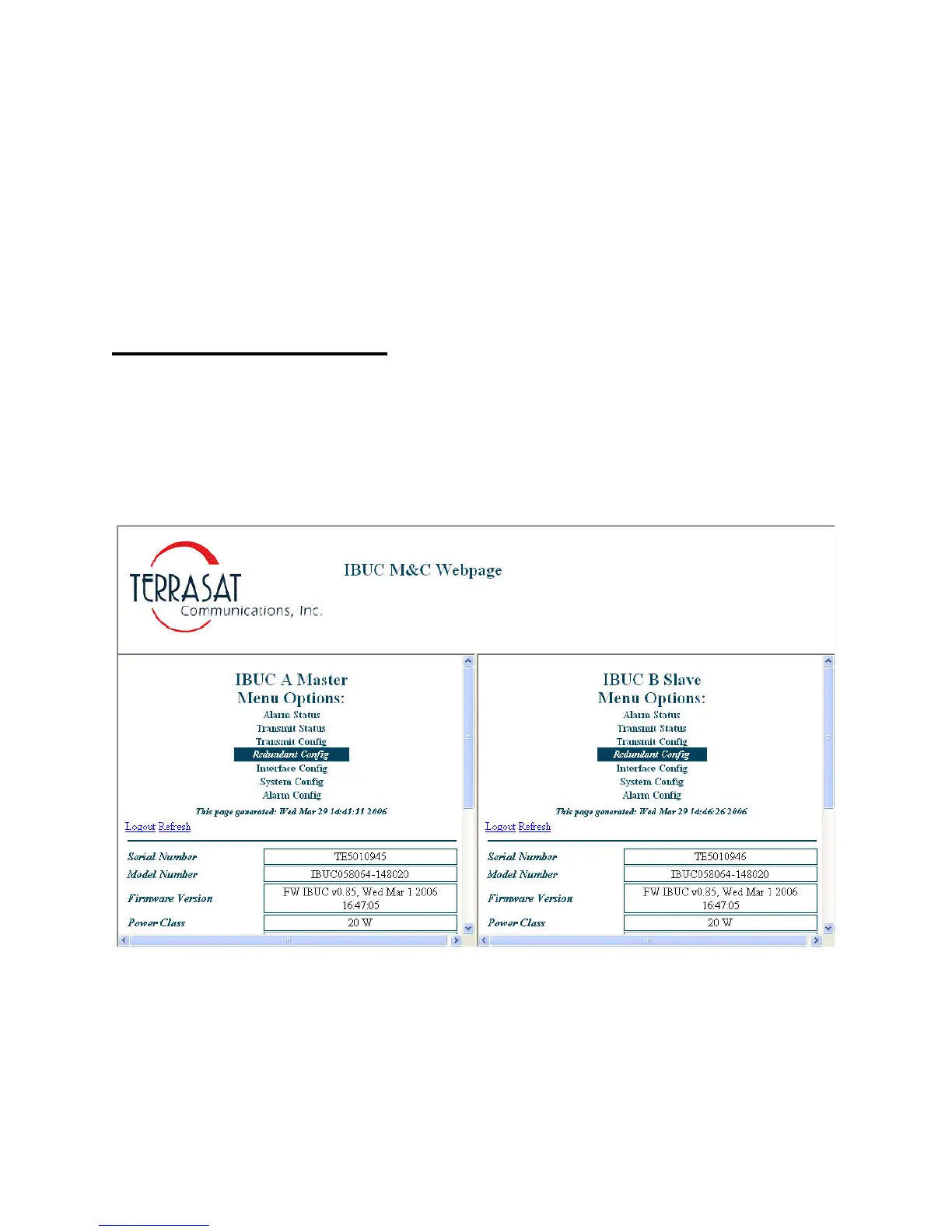
Redundant Systems you’ll see a “split screen” (IBUC A and IBUC B) with web pages
similar to the ones for Single IBUC Systems (see Chapter 6). A new page is going to
show only for Redundant Systems, the Redundant Config page (see below):
Tx Redundant Systems
Redundant Config page:
This page allows the operator to access commands related to the Redundant System
Figure 7-10 Redundant Config page



 To Next Page