ENTER
26
7.5 Changing the address of the sensor
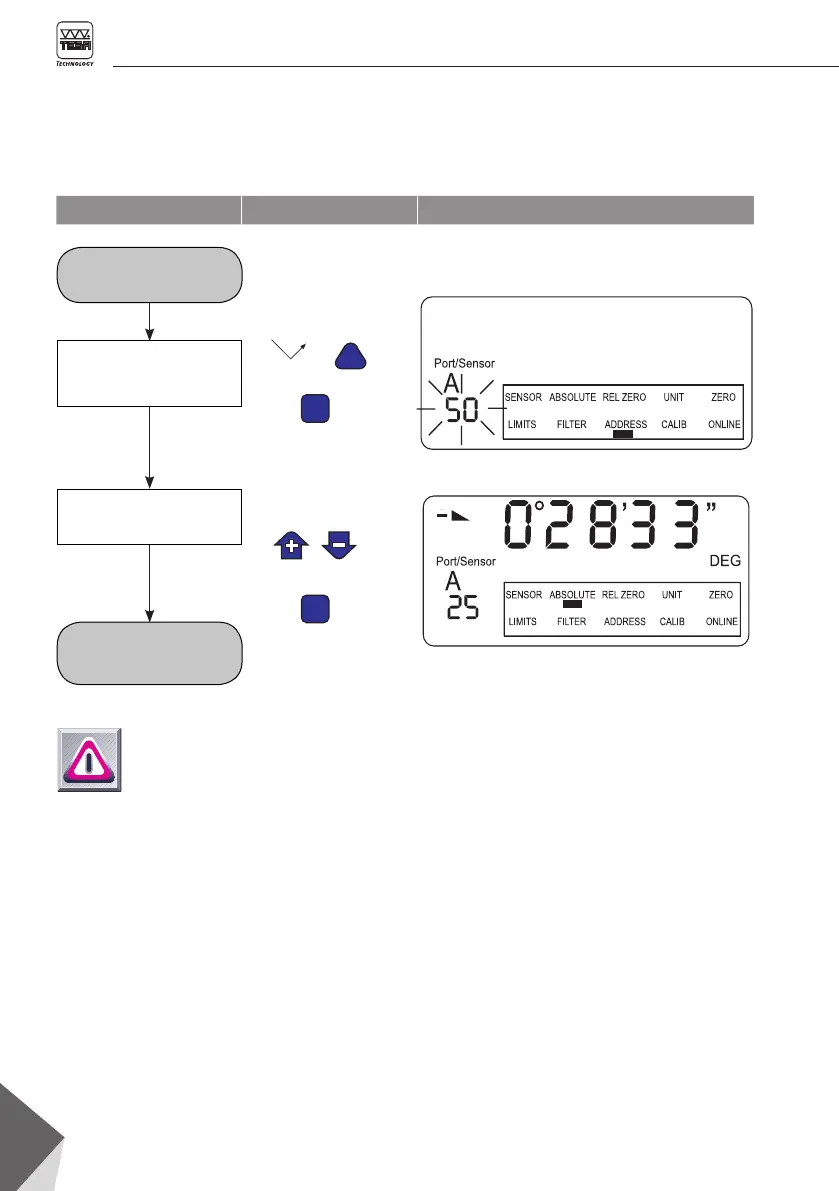
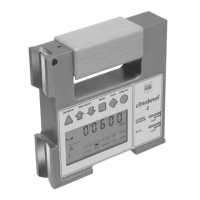
For this operation, the relevant sensor should
either be selected or separately connected to the
inclinometer. Use port A for the sensor inside
your TESA CLINOBEVEL 2 or port B for any
other external sensor.
Function Key Display
CLINOBEVEL 2
is switched on
CLINOBEVEL 2 is ready to
measure with new address
Select and activate
« ADDRESS »
Choose and confirm
new address
Notes
– The address of the internal sensor
of TESA CLINOBEVEL 2 cannot be
modified.
– The addresses 1 through 32 are
available for any other connected
electronic level (e.g. TESA MICRO
-
BEVEL 1 or TESA BEVELTRONIC 1).
– The address 255 is reserved for
maintenance purpose.
– The messages that may appear on your display
while « Changing address » are the following:
– ERROR 4: no address could be found
– ERROR 5: more than one sensor is
connected.
– ERROR 6: address could not be altered



 To Next Page