35
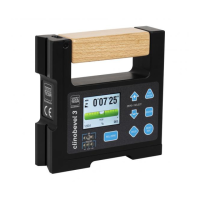
The measuring system of your TESA CLINOBE-
VEL 2 can be conveniently adjusted according of
the procedure described hereafter. Each of them
also applies to the second inclinometer that is
connected to port B.
–
Procedure based on 3 reference positions
This is the easiest way to adjust your inclino-
meter in the horizontal position or in either
angle (- 45° or + 45°).
In order to adjust your inclinometer, insert the
cylindrical pins that came with the instrument
into the bores that are precisely positioned on
the instrument’s back side.
Active menu or error (–0.000000 means that no data are available)
ModeMesure_A [9xy Aaaa -0.000000<cr>]
ModeMesure_B [9xy Baaa -0.000000<cr>]
ModeMesure_A_minusB [9xy Aaaa-Baaa -0.000000<cr>]
ModeMesure_A_B [9xy Aaaa -0.000000 Baaa -0.000000<cr>]
aaa = Sensor address 1 … 255 or 0 if there is no defined address
x =
0 – Error of any type
1 – Port A error
2 – Port B error
y = 0 – Active menu (no error)
>0- Error code (to know more about this code, refer to chapter 9.3)
Transmission of format with Hyper Terminal e.g
9600 bits per second, asynchronous, 7 data bits, 2 stop bits, no parity, no protocol
10 Calibration of Measuring systeM baseD on 3 referenCe points
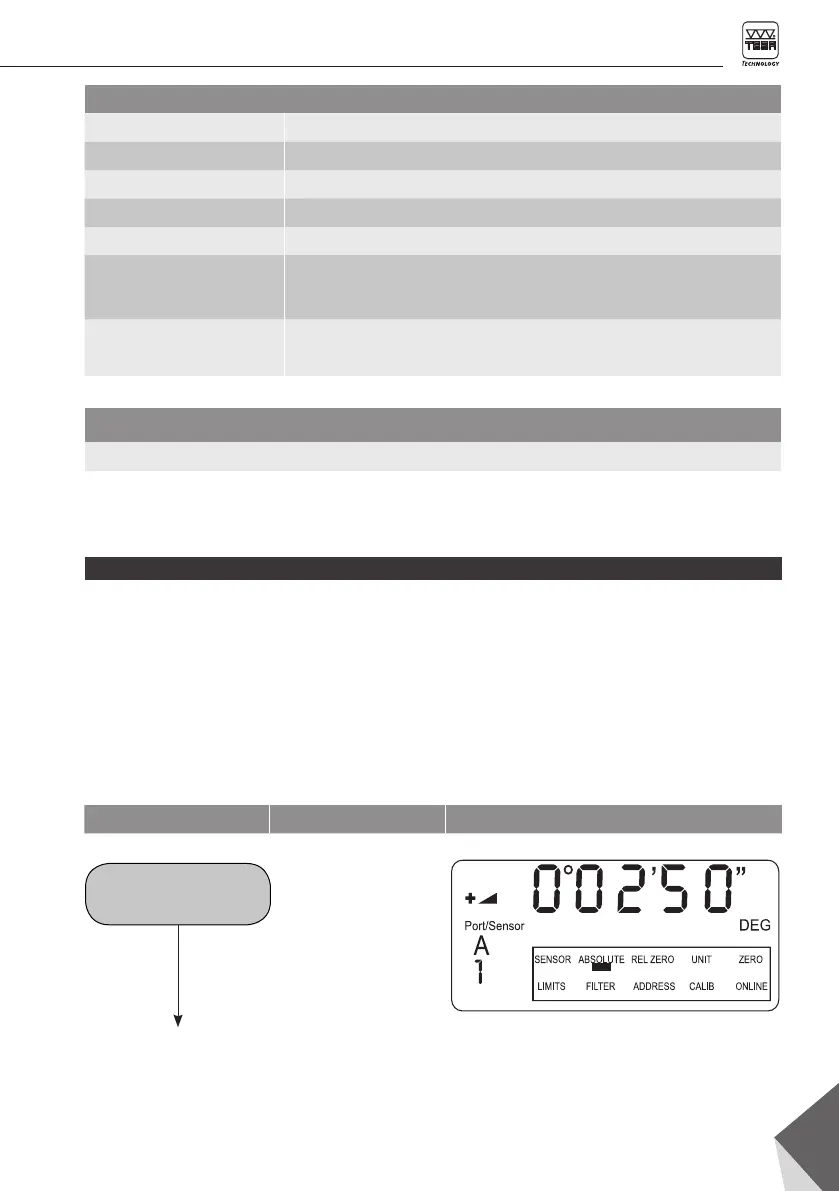
Function Key Display
Active mode
« ABSOLUTE »
as per chapter 6.1









 To Next Page