TI-84 Plus Cabrië Jr. Application Page 8
2. Press Í to continue. If you have previously used the App,
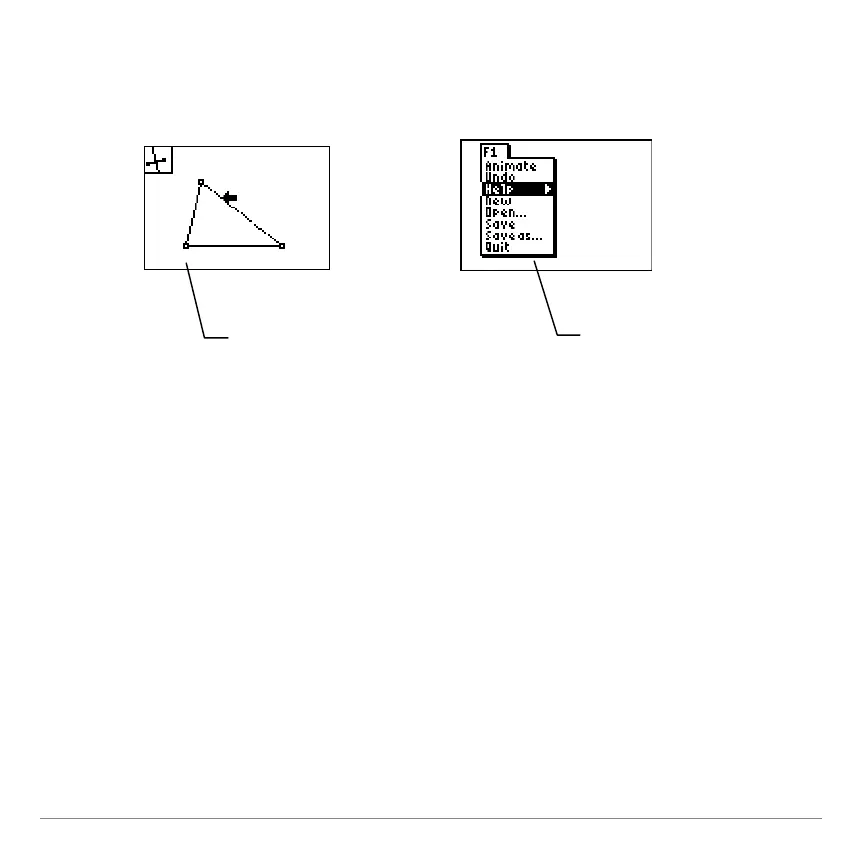
the last screen that you viewed is displayed; otherwise, the F1
menu is displayed.
Navigating within the App
To use the Cabri Jr. App, you select tools and options from a set of
menus. The menus remain hidden until you open them.
Cabri Jr. retains your
last activity, including
the cursor location,
or when the TI-84 Plus
The first time you run
Cabri Jr., the F1 menu
is displayed with the
Help menu item
highlighted.


 To Next Page
 Loading...














