Add: Building A, Xinlida Industrial Park, Junzibu Village,Guanlan Street, Longhua District ,Shenzhen,
Guangdong
TEL :0755-23225527 FAX:0755-23225537
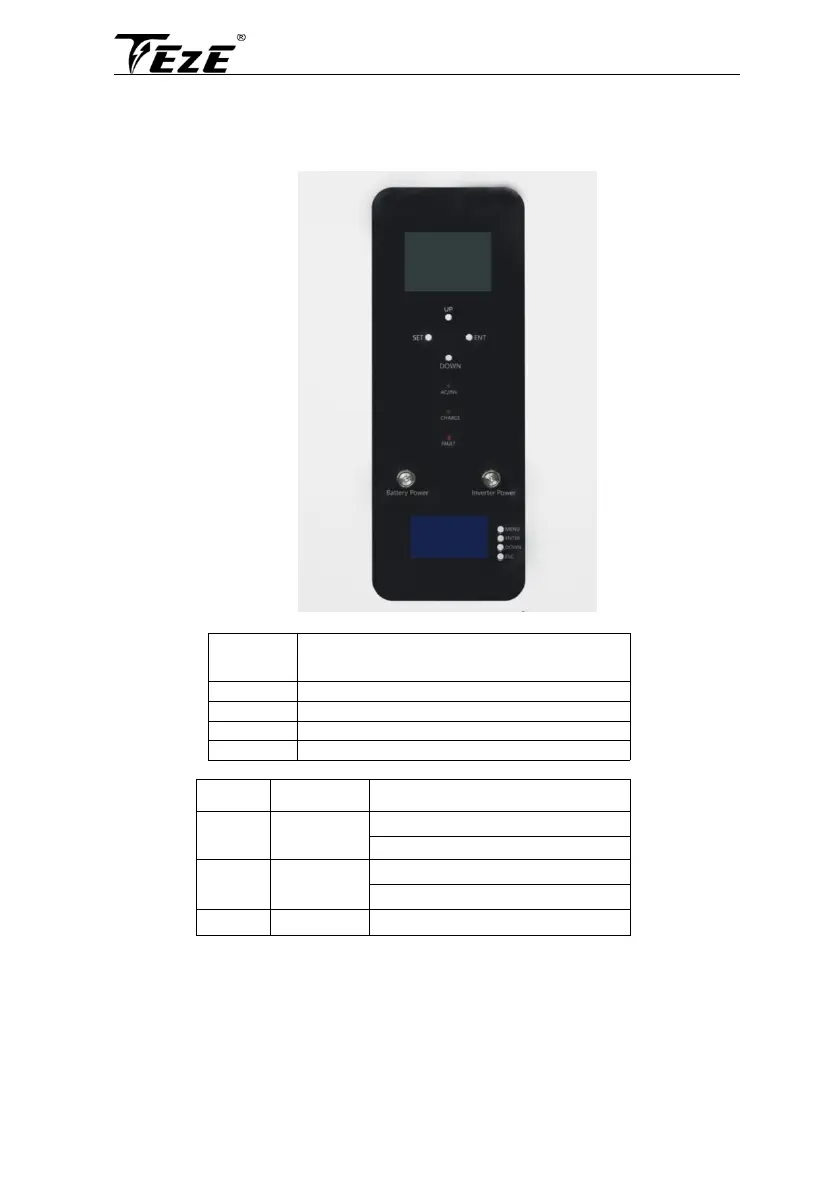
6.1.2 Inverter display
The INVENTER DISPLAY
The operation and display panel is as shown below,including 1 LCD screen, 3 indicators and 4
operation
buttons.
•
Operation buttons introduction
To enter/exit the setting menu
To confirm/enter the selection in setting menu
• LED Indicators
Continued: utility grid by-pass output
Continued: charging complete



 To Next Page