AS 680/682
Description, Operation and Maintenance Master Technical System Control
ADS−B
4−11Ed. 10.07
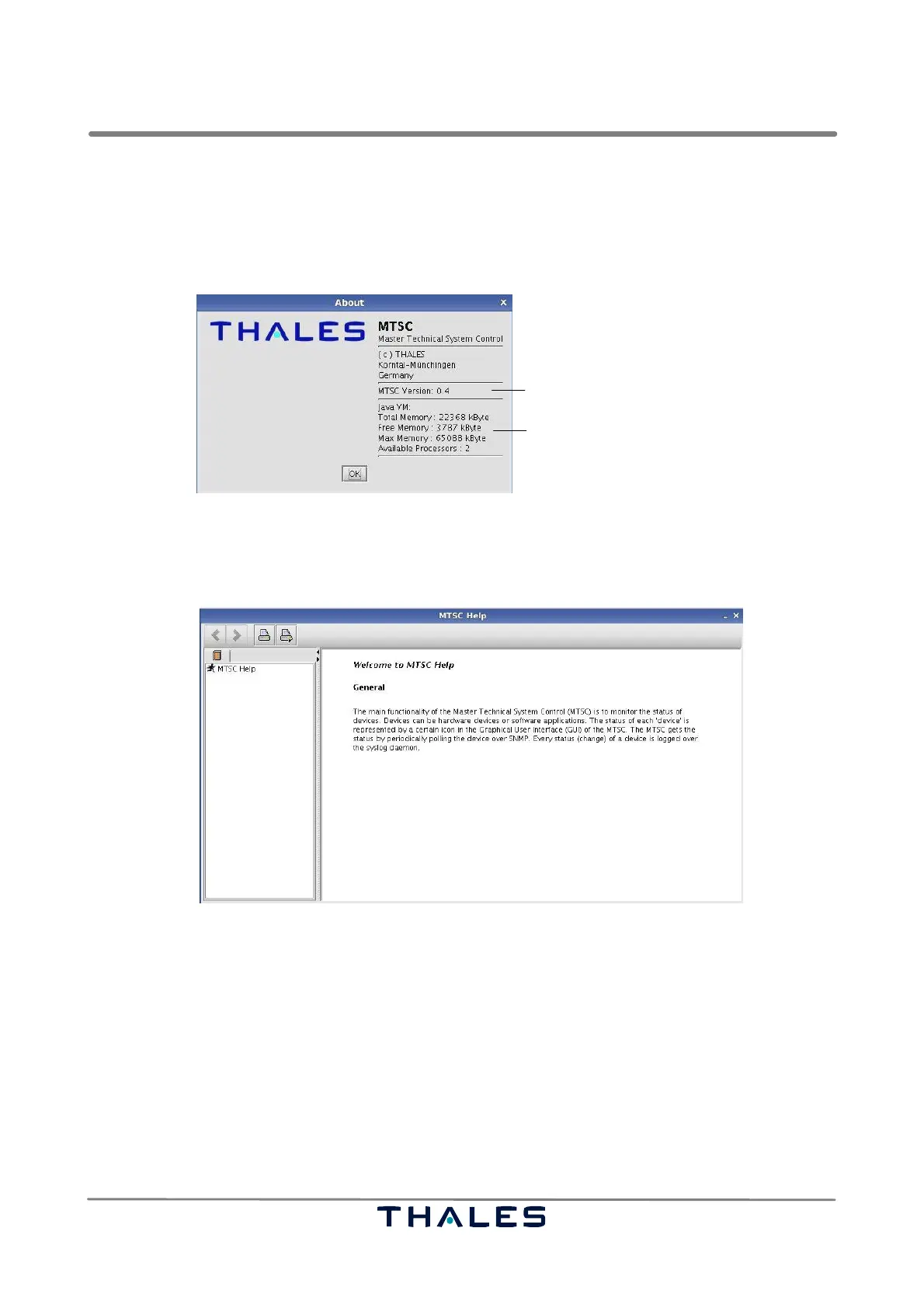
The ’Help’ menu contains the items ’About’ and ’Content F1’.
Clicking on the submenu ’About’ opens the ’About window’ (see Fig. 4−12) on screen 0. The window
shows the actual version of the MTSC application. Further the window shows some variables of the
Java Virtual Machine (VM).
Version
Java VM
Fig. 4−12 MTSC, About Window (example)
Clicking on the submenu ’Content F1’ opens the ’MTSC Help window’ (see Fig. 4−13) on screen 0.
Fig. 4−13 MTSC Help window (example)



 To Next Page