AS 680/682
Description, Operation and Maintenance Display Configuration Tool
ADS−B
4−37Ed. 10.07
4.5.2.2 Menu ’Help’
The menu ’Help’ contains the item ’About’ (see Fig. 4−57).
Fig. 4−57 Display Configuration, menu ’Help’
The menu item ’About’ opens a panel, see Fig. 4−58, that shows the tool command, version, name
of the tool as well as the reference address of the supporter.
Fig. 4−58 Display Configuration, About Panel (example)
4.5.3 Toolbar
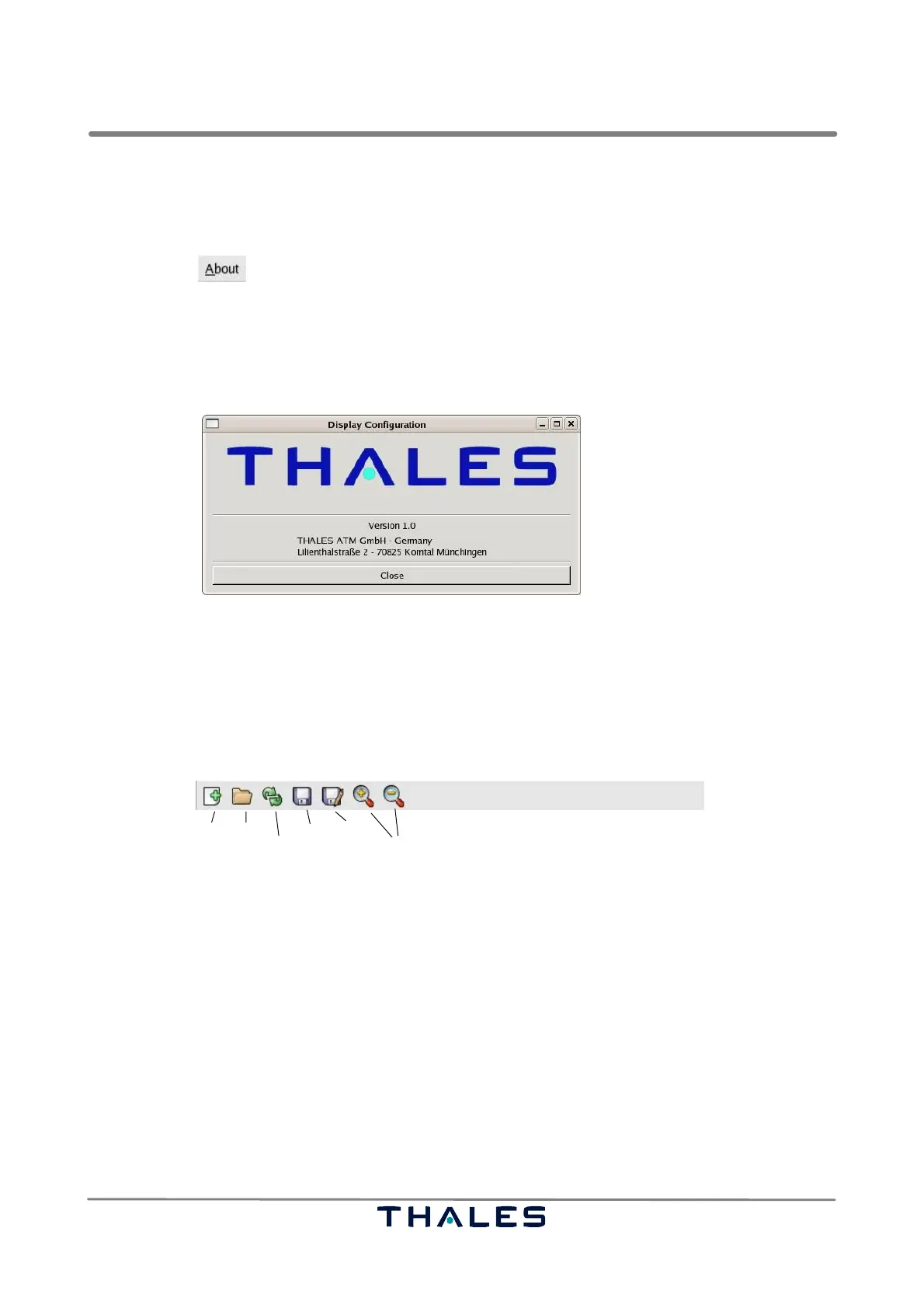
The toolbar, see Fig. 4−59, of the Technical Situation Display consists of seven items. The toolbar
tools are used to create, open, refresh and save configuration changes or to expand and shrink tree
view nodes.
New Open
Reload
Save Save As
Magnification
Fig. 4−59 Display Configuration, Toolbar
S The ’New’ button is used to create a new default configuration (see ’New’ menu item in 4.5.2.1).
S The ’Open’ button is used to load the existing configuration file (see ’Open’ menu item in 4.5.2.1).
S The ’Reload’ button is used to update the parameters and parameter values in the tree view and
in the parameter panel. ’Reload’ reloads the current configuration file.
S The ’Save’ button is used to save the current configuration file (see ’Save’ menu item in 4.5.2.1).
S The ’Save As’ button is used to save the curent settings (configuration) into another configuration
file (see ’Save As’ menu item in section 4.5.2.1).
S The two magnifying glasses can be used to expand or shrink nodes in the Configuration Tree
View, respectively.


 To Next Page
 Loading...