AS 680/682
Display Configuration Tool Description, Operation and Maintenance
ADS−B
4−48 Ed. 10.07
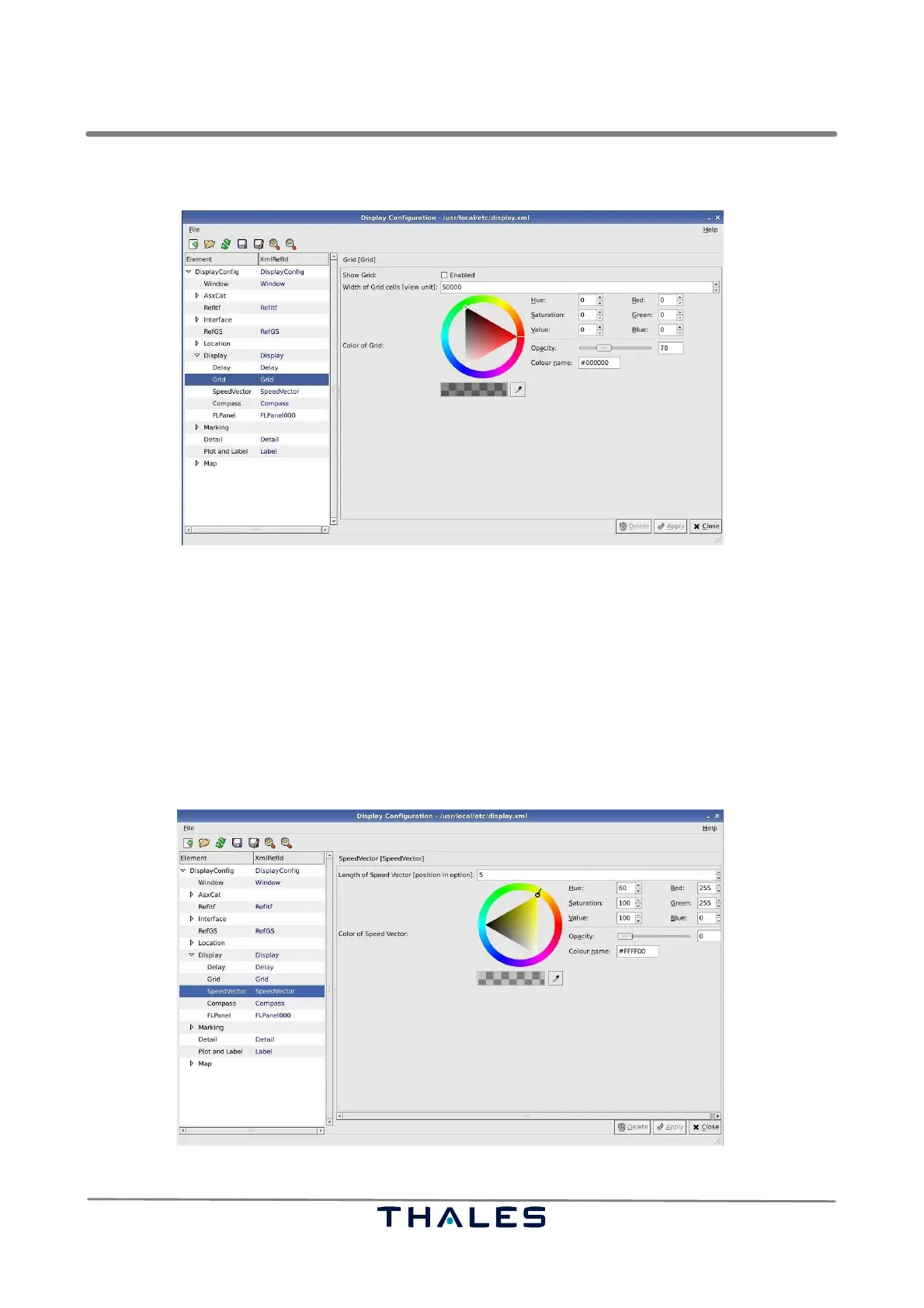
S Color of Grid: represents the color of the grid.
Fig. 4−74 Parameters Grid (example)
4.5.7.10 Speed Vector Parameters
The node Display contains the parameter panel SpeedVector, see Fig. 4−75, which can be used to
configure length and color of the speed vector of the tracks shown in the Technical Situation Display.
S Length of Speed Vector: is found in the menu ’Tracks’ and gives a choice among 6 different speed
vector lengths. The number represents the position, starting from 0, in the corresponding sub-
menu of the Technical Display, refer to section 4.4.2.5. This parameter can be overwritten, if the
configuration is saved in the Technical Situation Display.
S Color of Speed Vector: represents the color of the grid.
Fig. 4−75 Parameters SpeedVector (example)



 To Next Page