AS 680/682
Description, Operation and Maintenance Display Configuration Tool
ADS−B
4−49Ed. 10.07
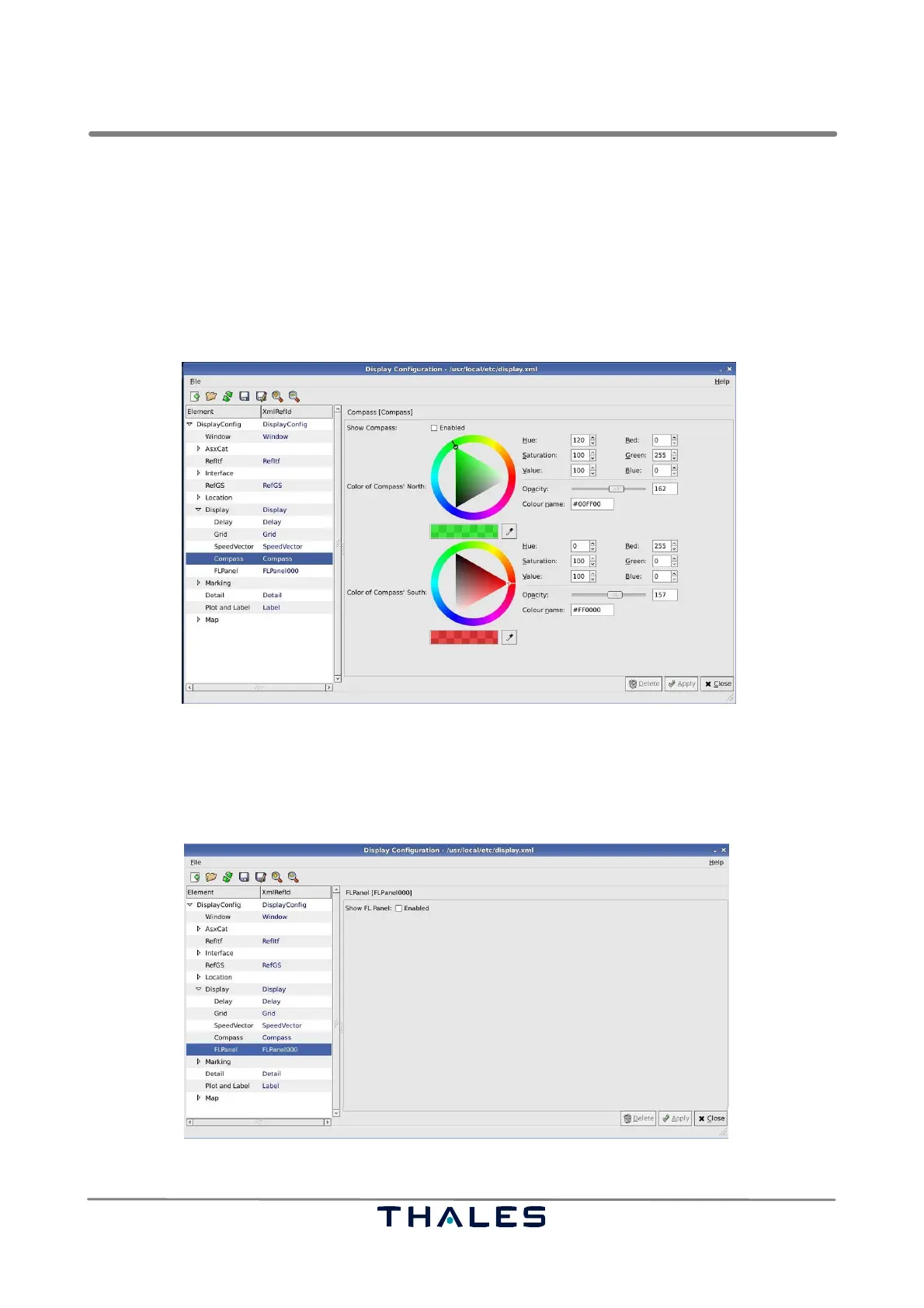
4.5.7.11 Compass Parameters
The parameter panel Compass, see Fig. 4−76, is used to configure the compass symbol in the upper
left corner of the Technical Situation Display’s view.
S Show Compass; indicates, if the compass is displayed at start of the Technical Situation Display.
This parameter can be overwritten, if the configuration is saved in the Technical Situation Display
S Color of Compass’ North: represents the current initial color of the north vertex of the compass.
S Color of Compass’ South: represents the current initial color of the south vertex of the compass.
Fig. 4−76 Parameters Compass (example)
4.5.7.12 FLPanel Parameters
The parameter panel FLPanel, see Fig. 4−77, is used to show or hide the Flight Level Panel, when
the Technical Situation Display is started.
Fig. 4−77 Parameters FLPanel (example)



 To Next Page